A GM workbench for Scum and Villainy
ProcyonArchive
A self-hosted workbench for Scum and Villainy GMs. Plan jobs on story boards, fill them with pictures, letters, maps and news, and show the players exactly what they should see.

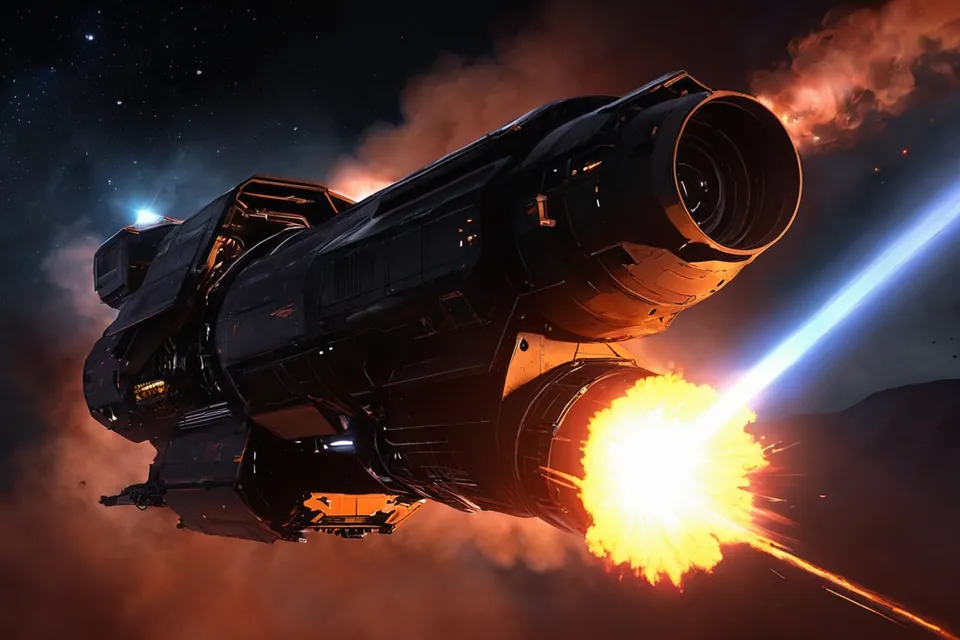

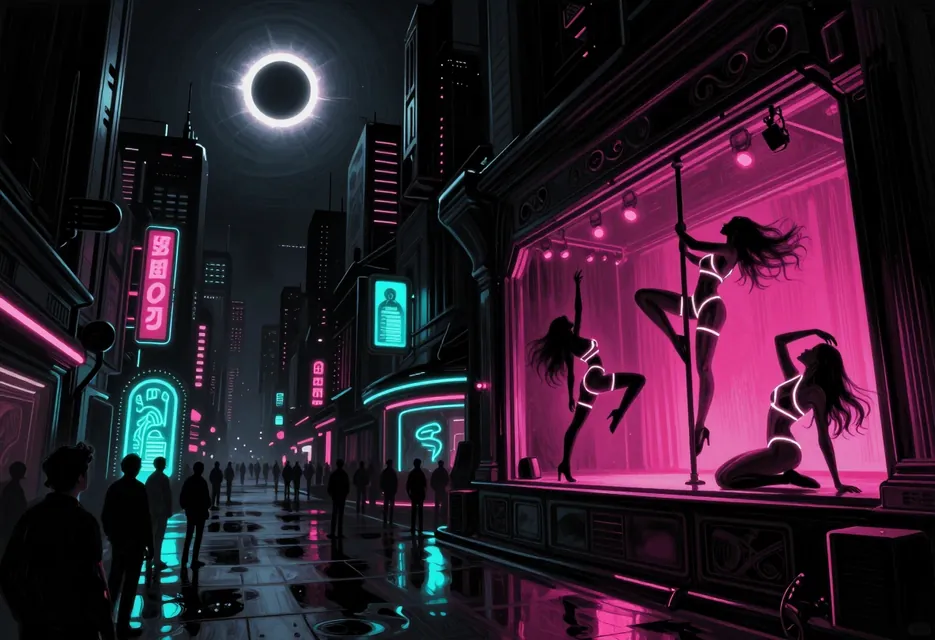
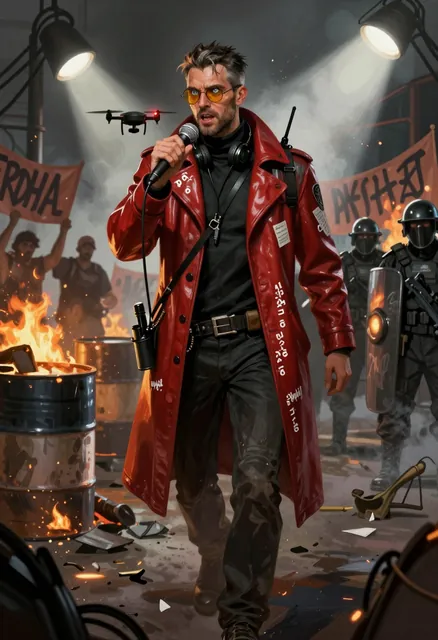
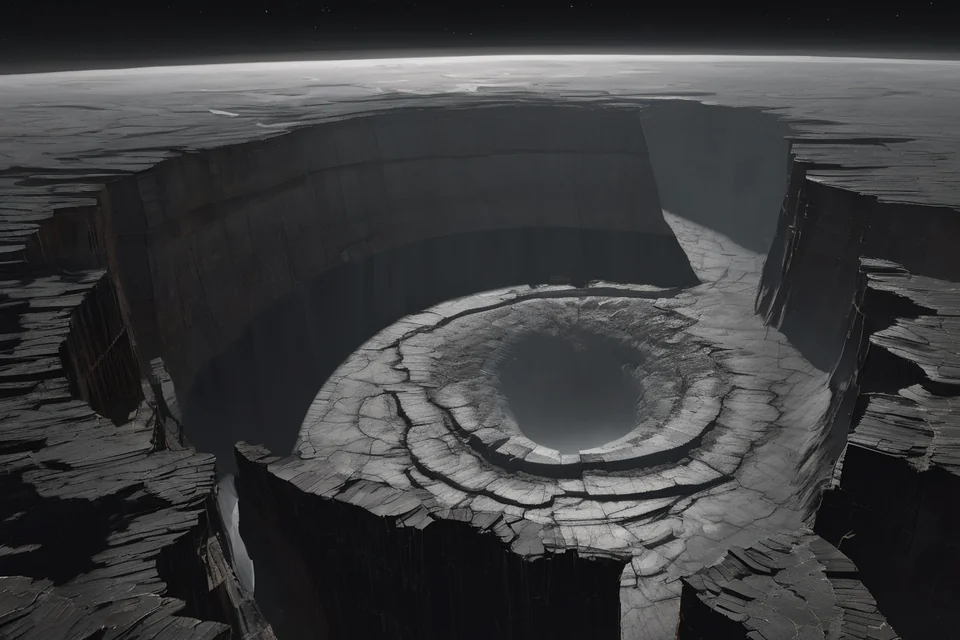
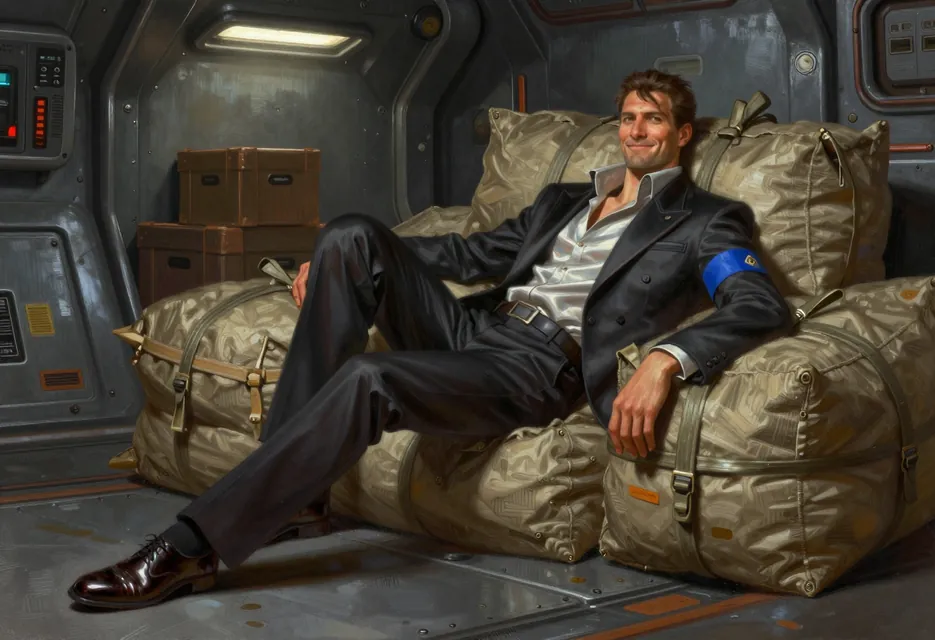
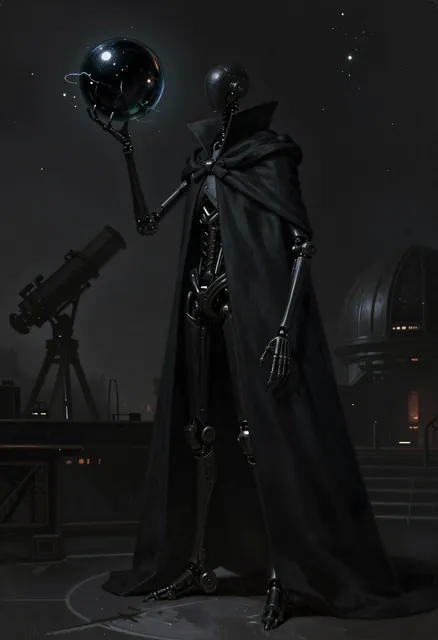
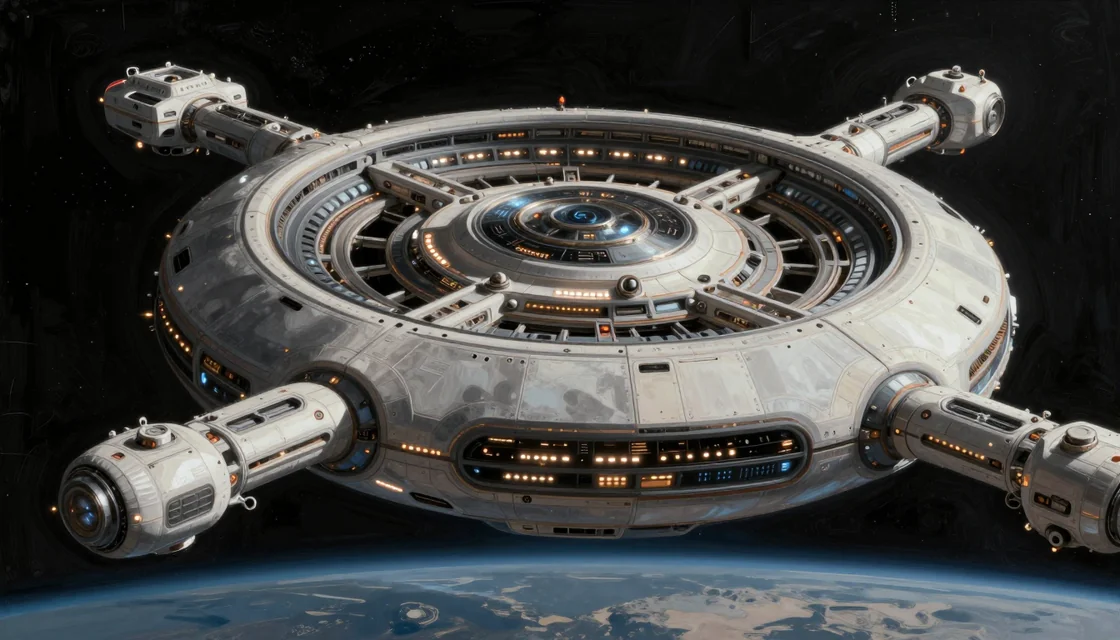
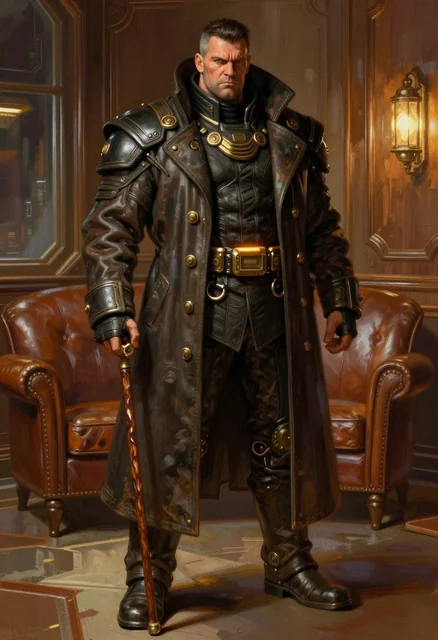
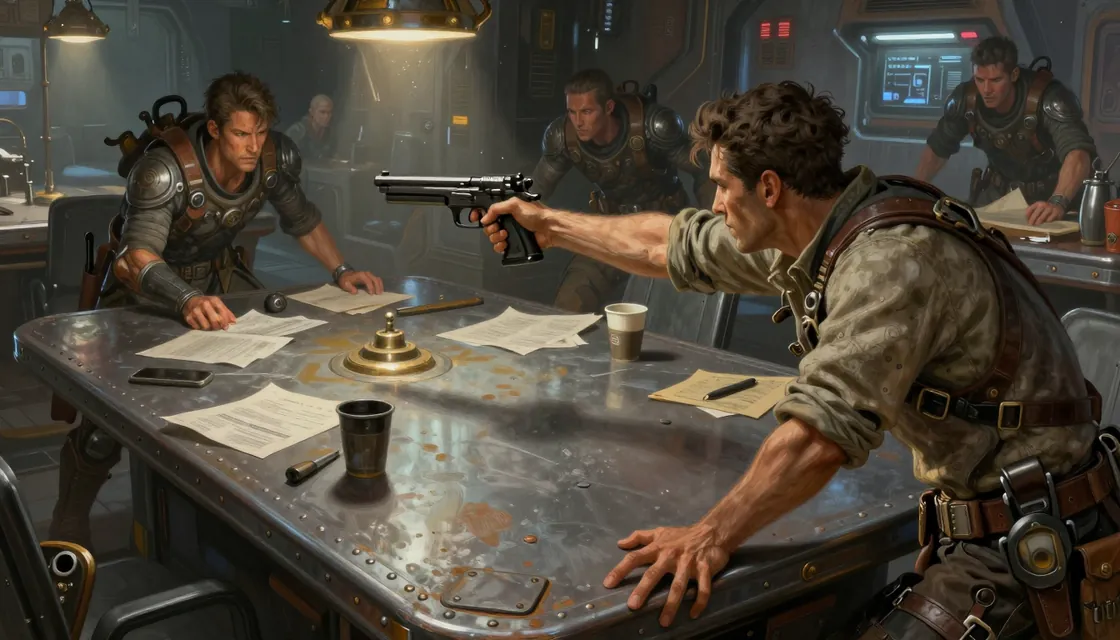
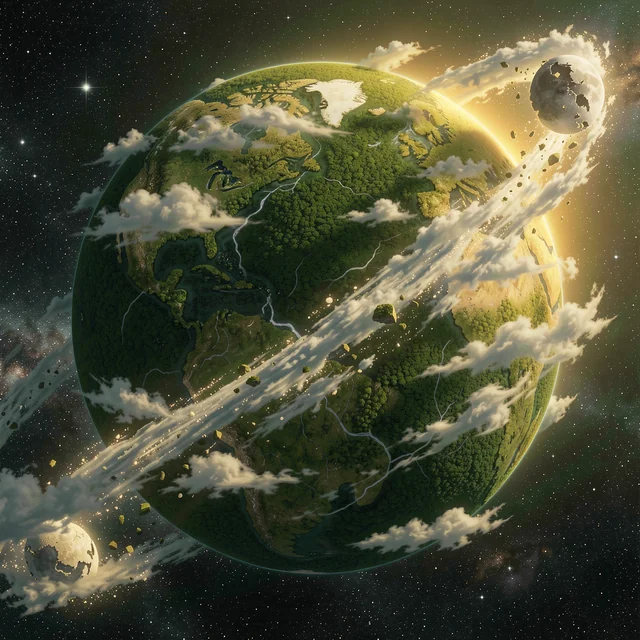
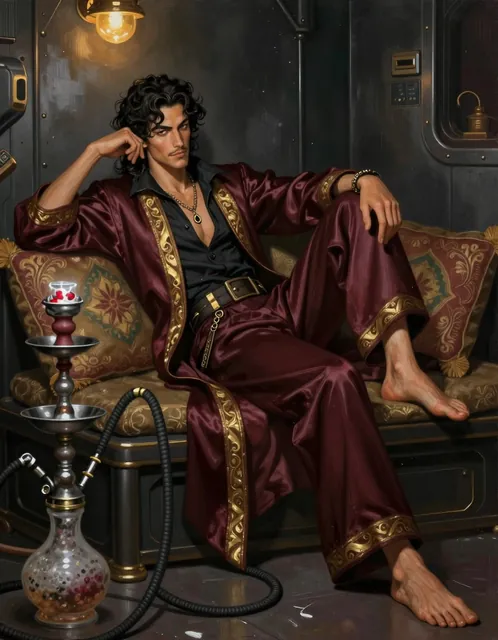
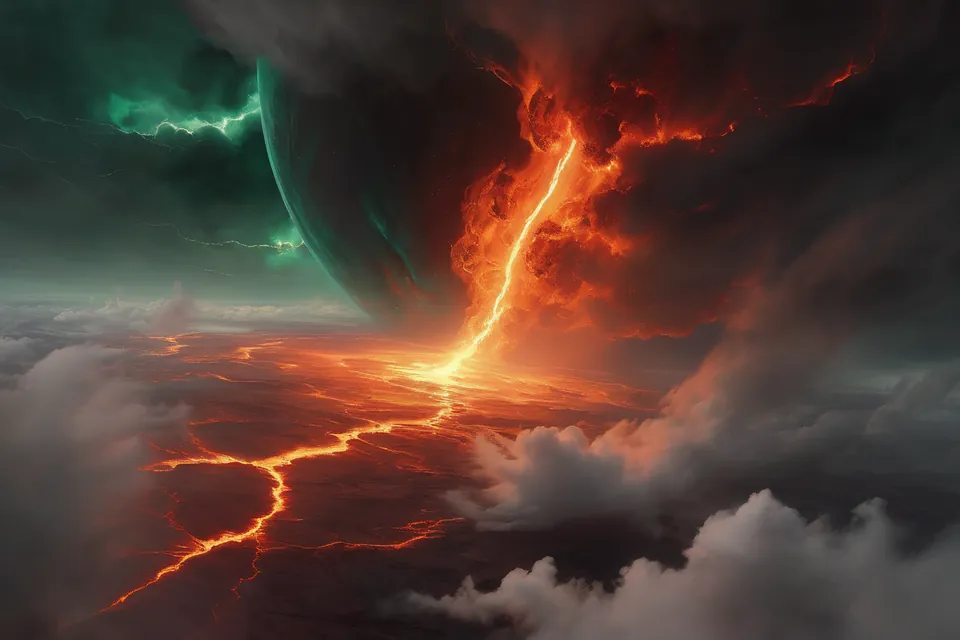
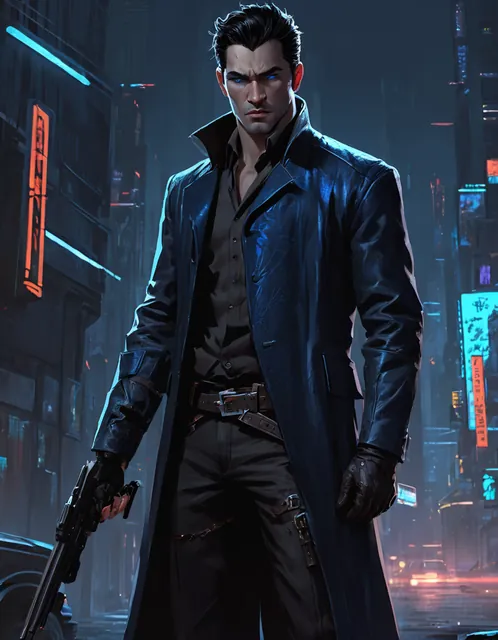
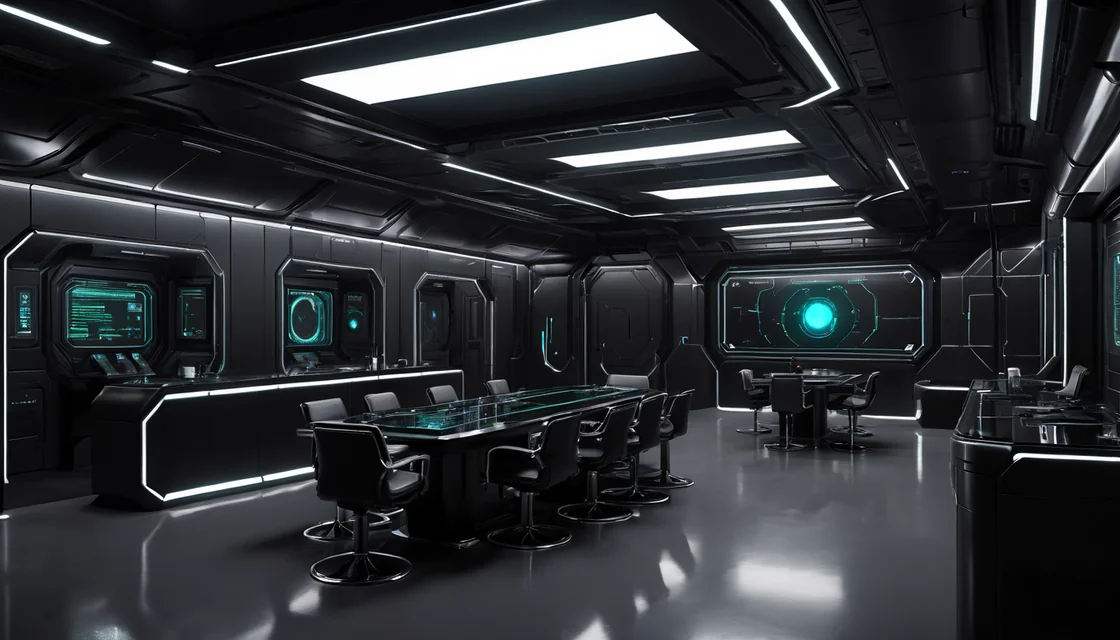

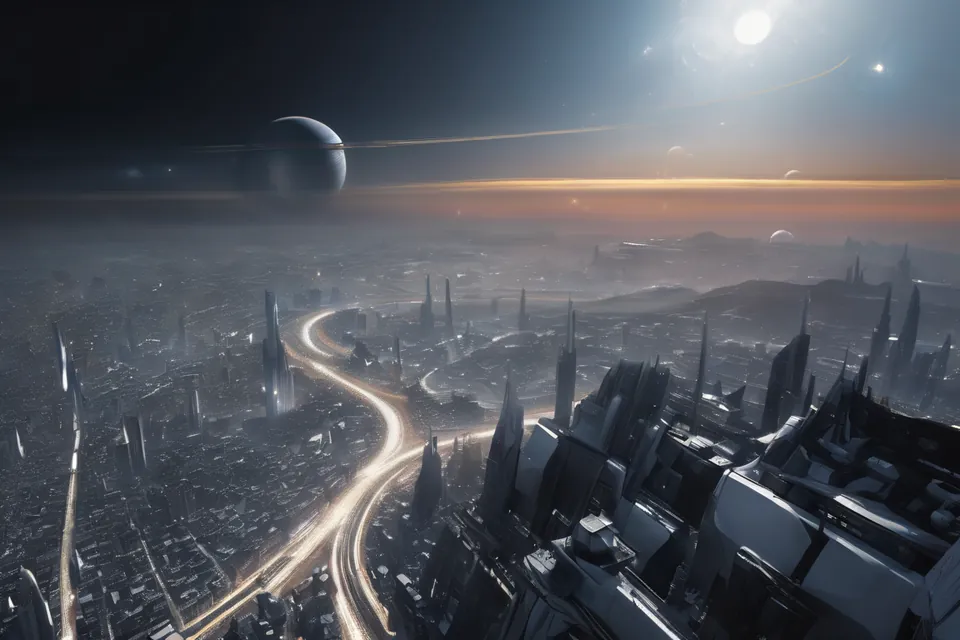

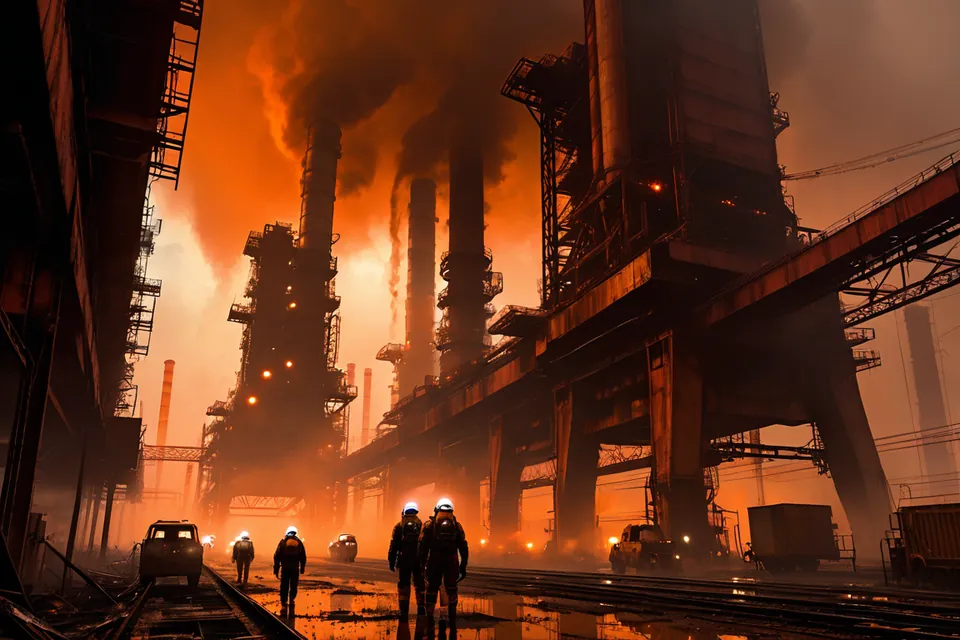
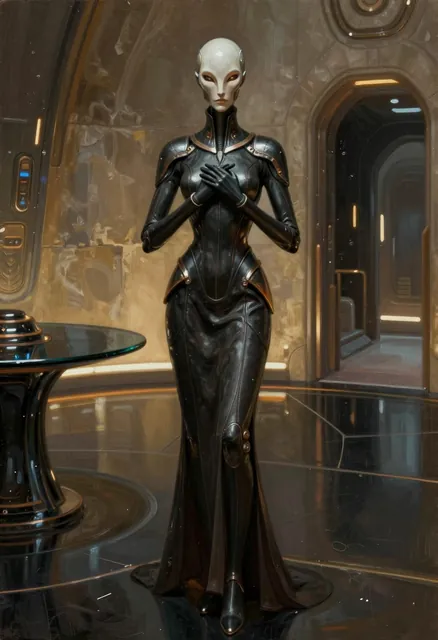
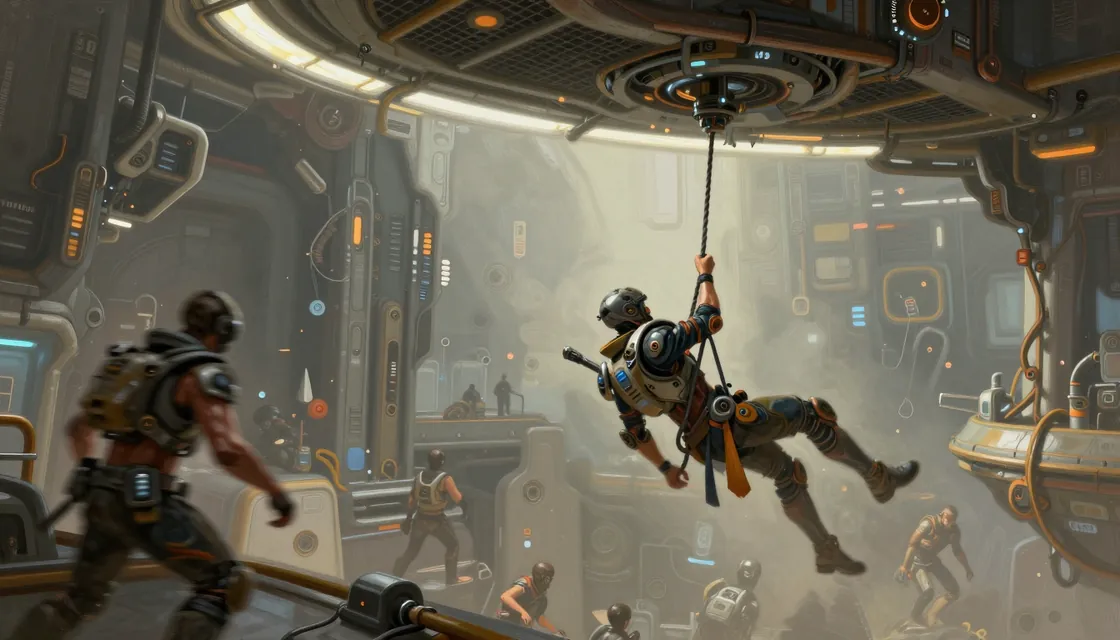
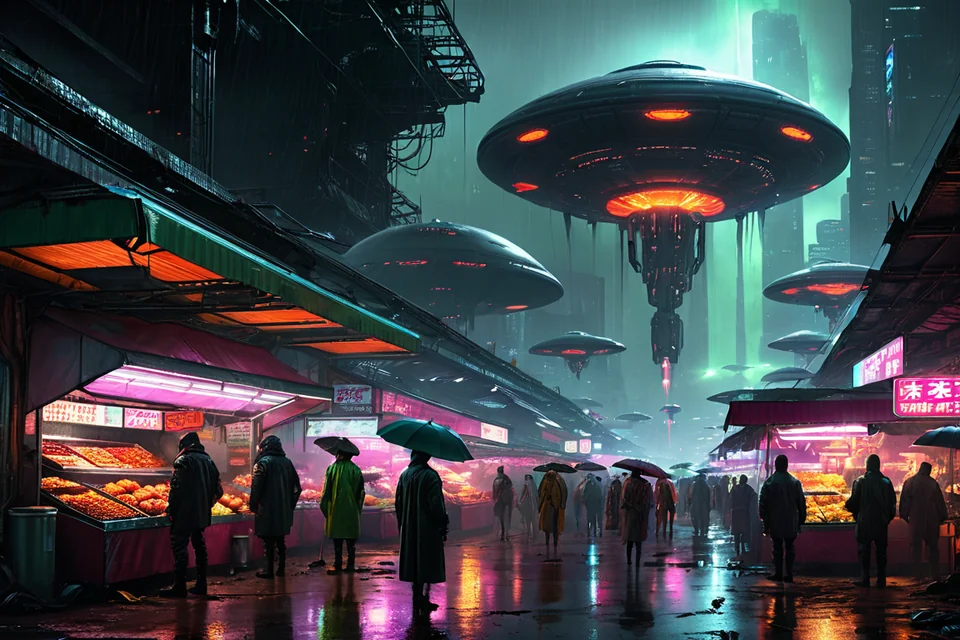
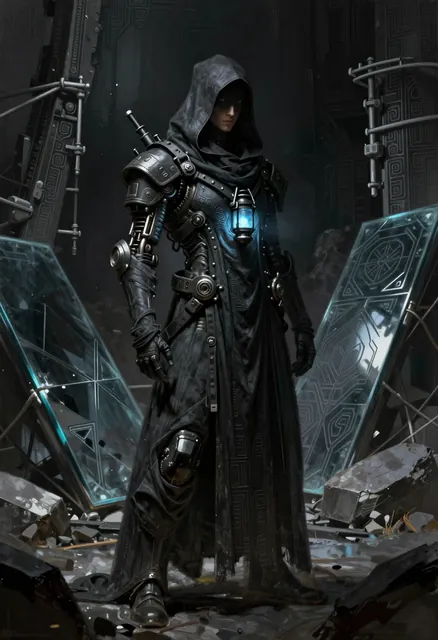
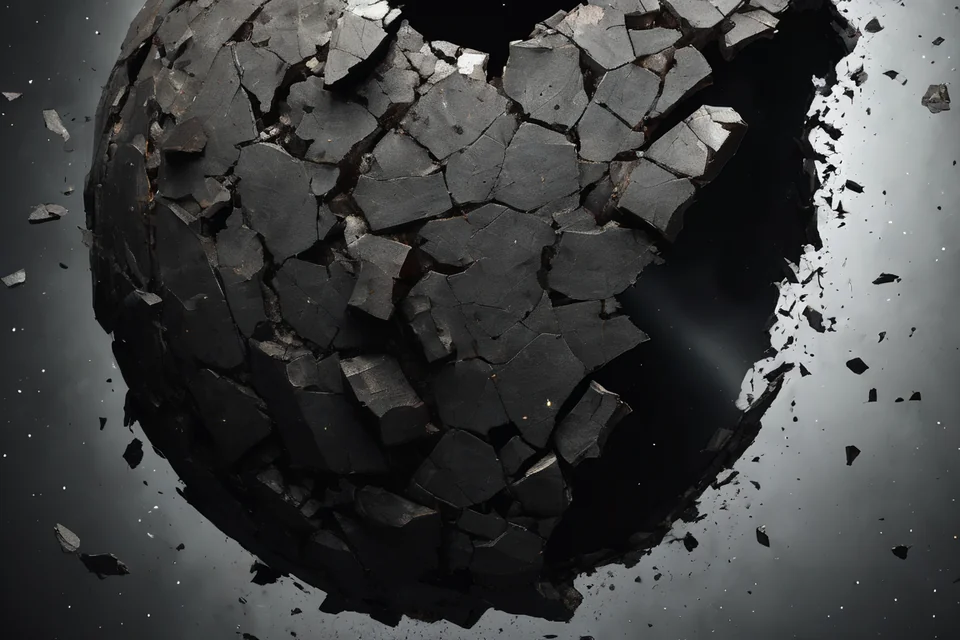
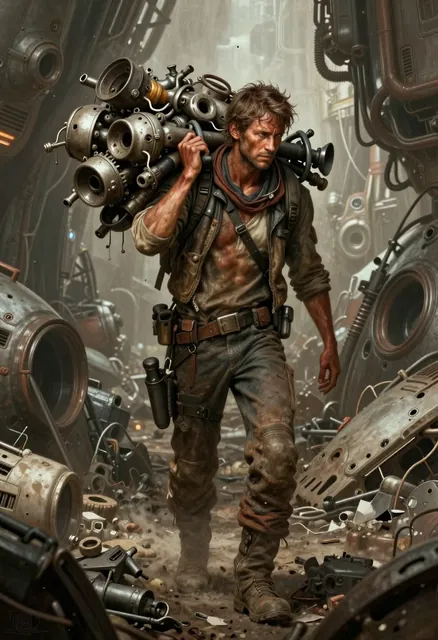
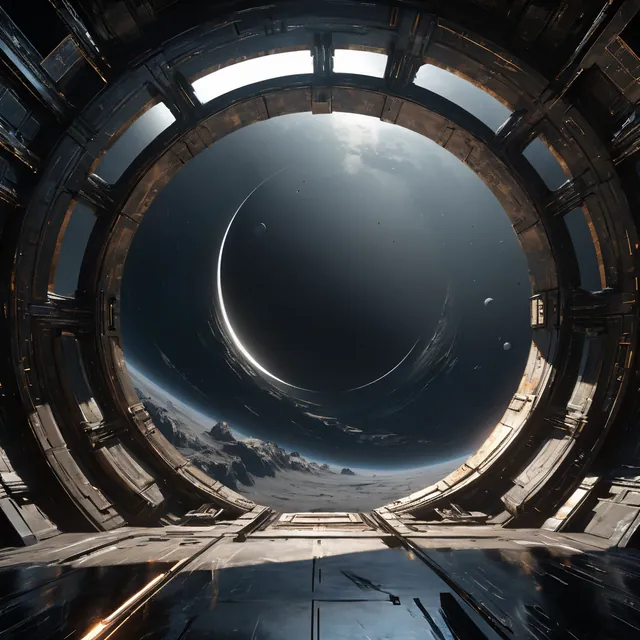
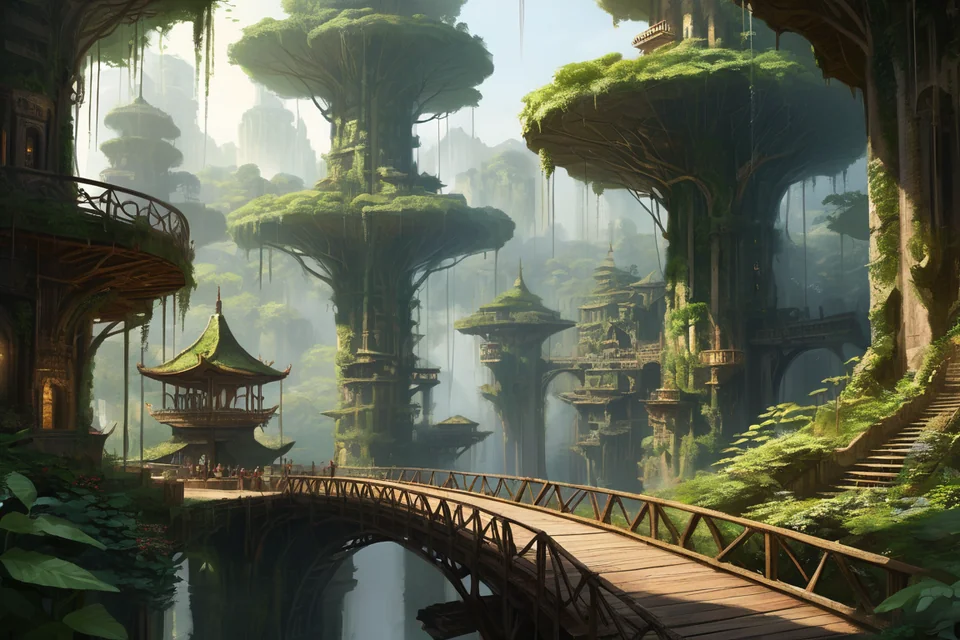
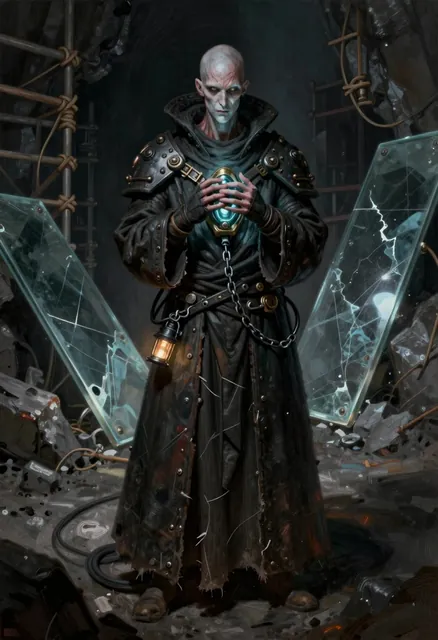
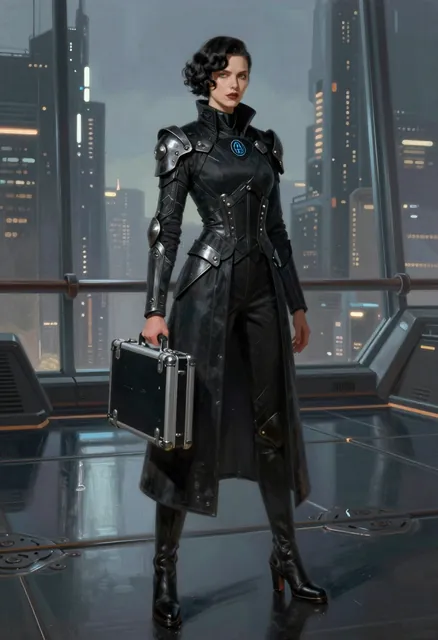
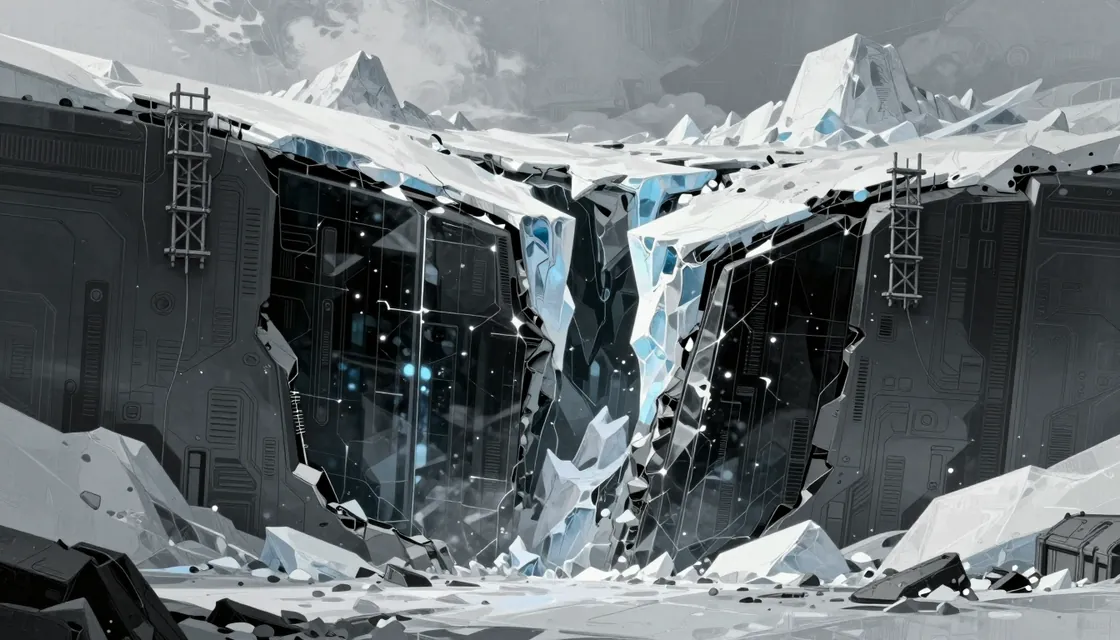
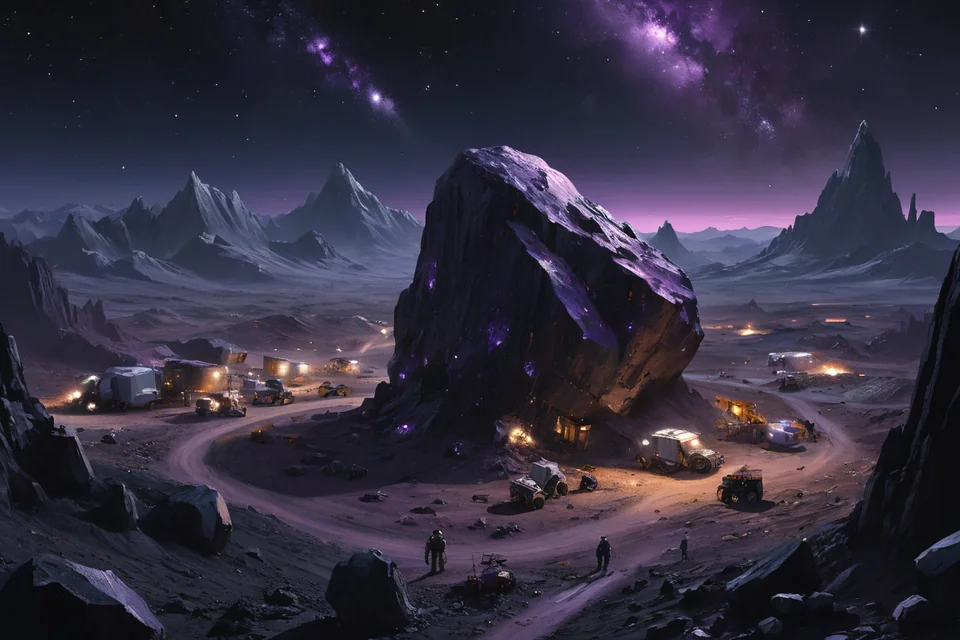
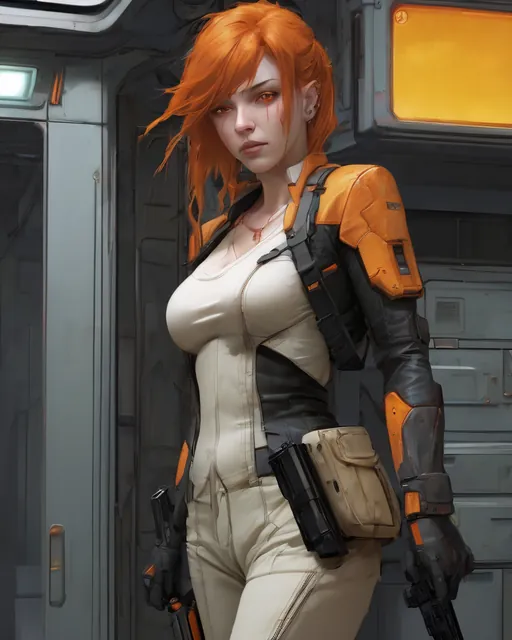
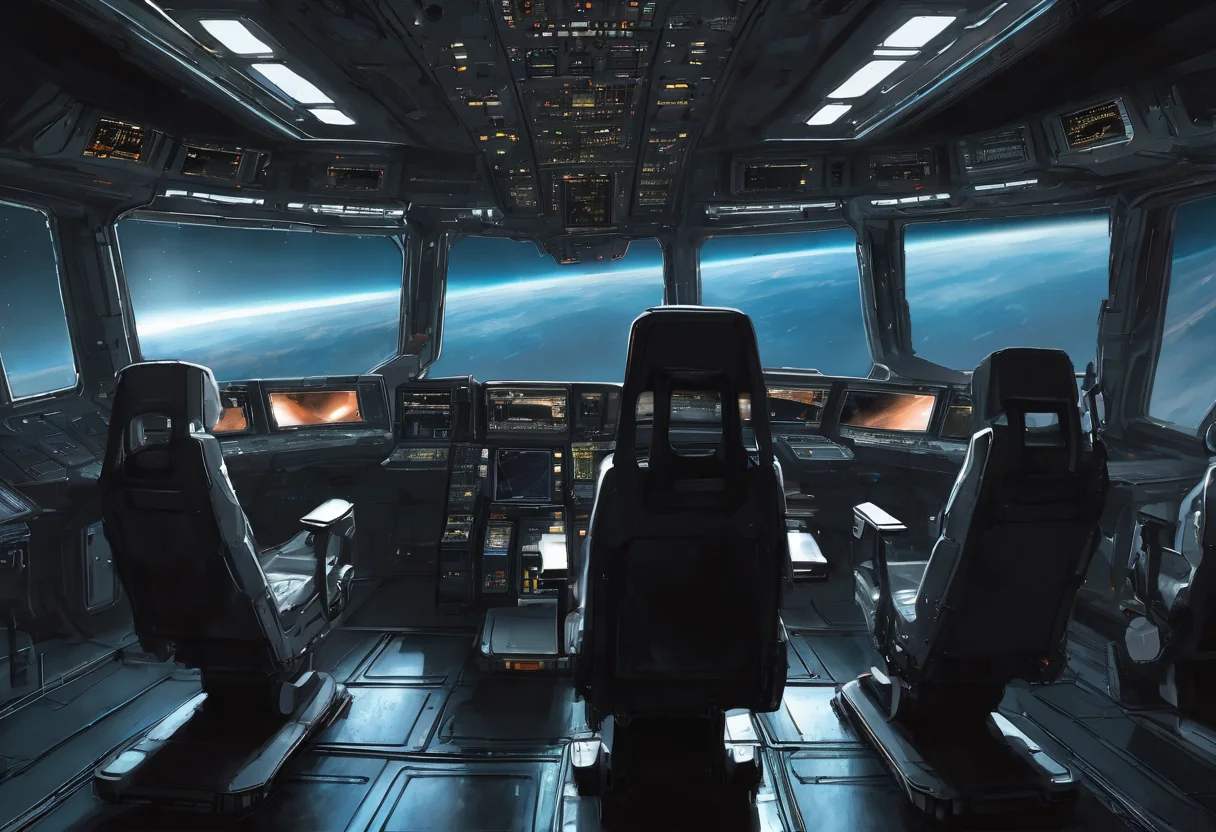
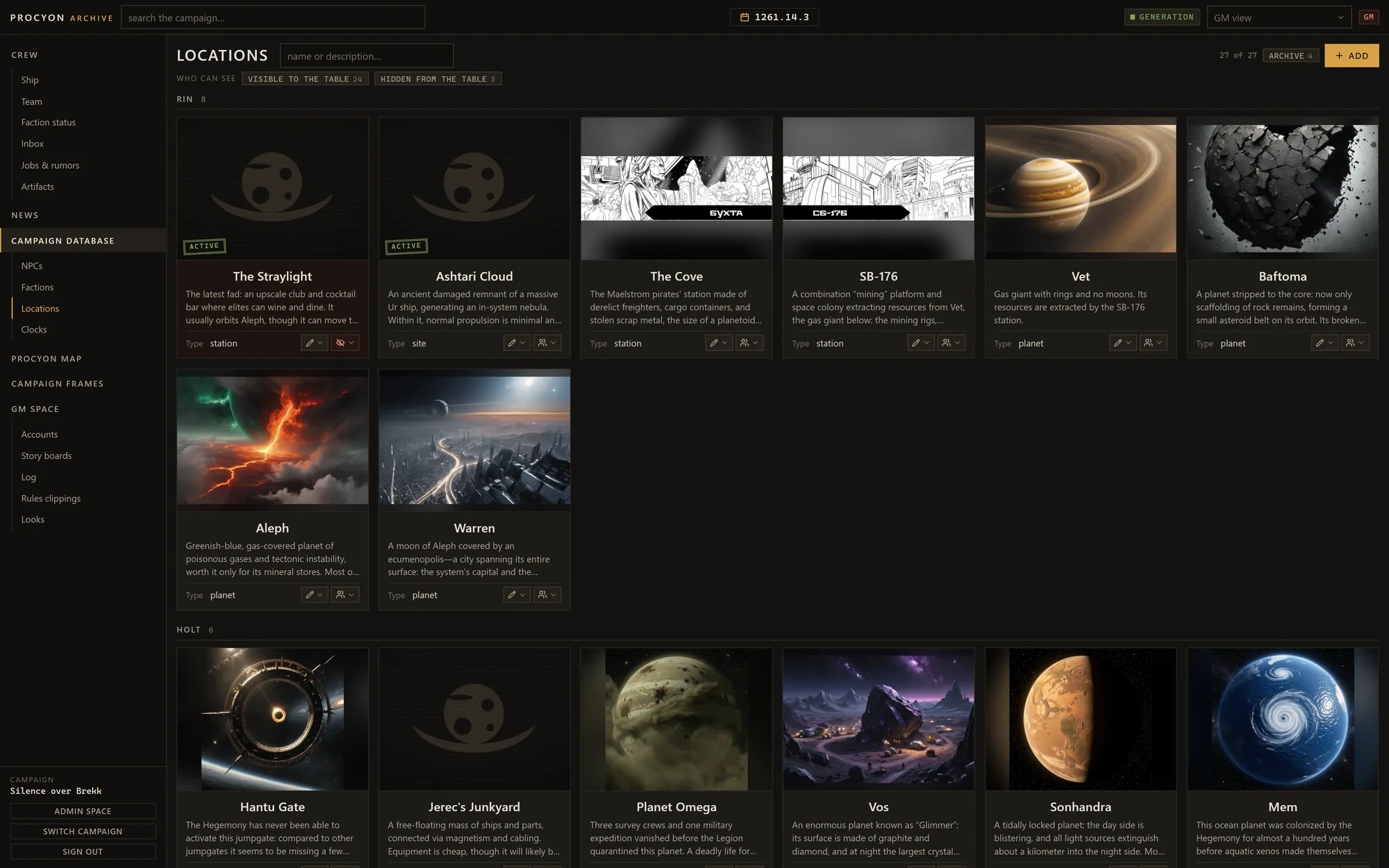
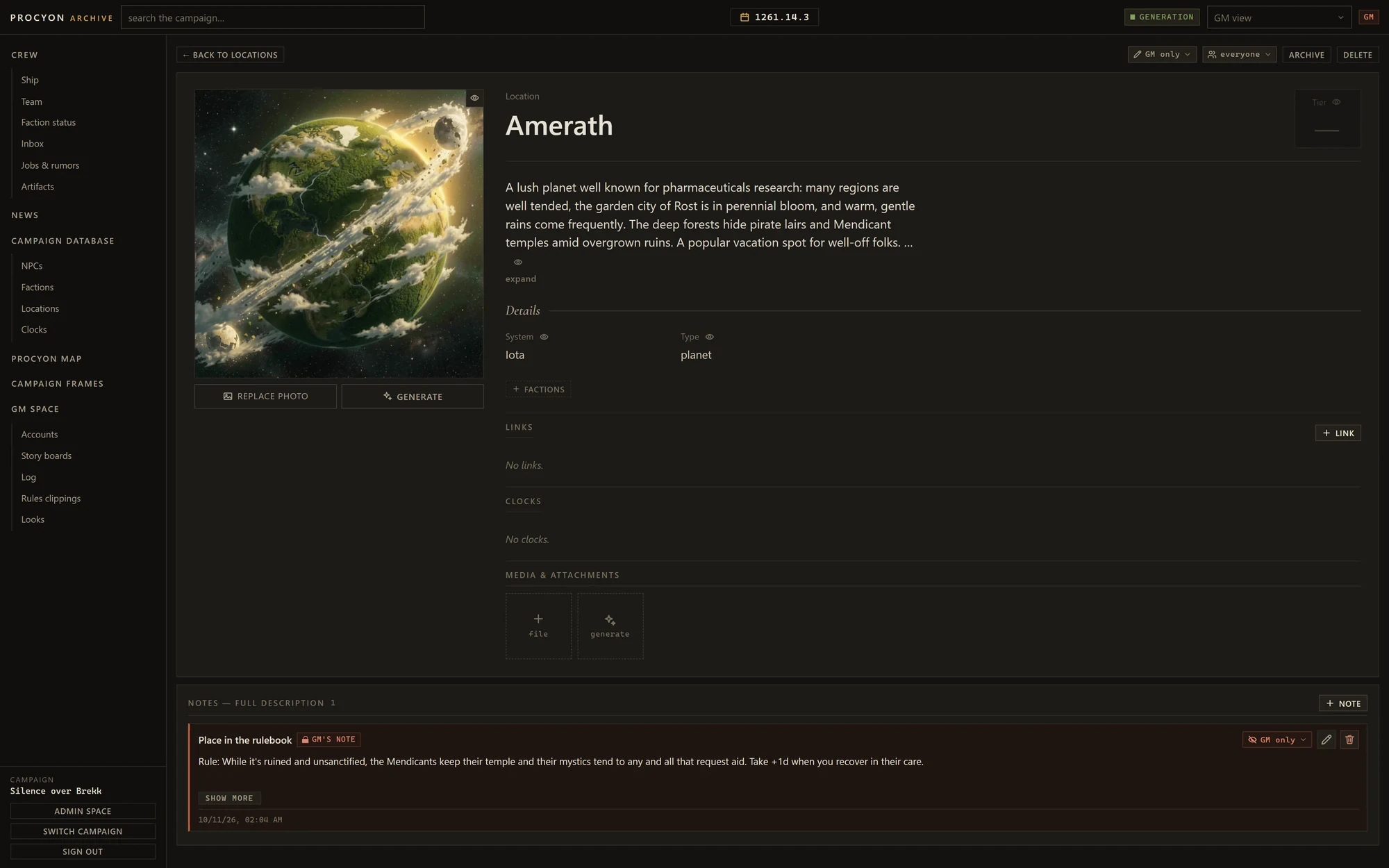
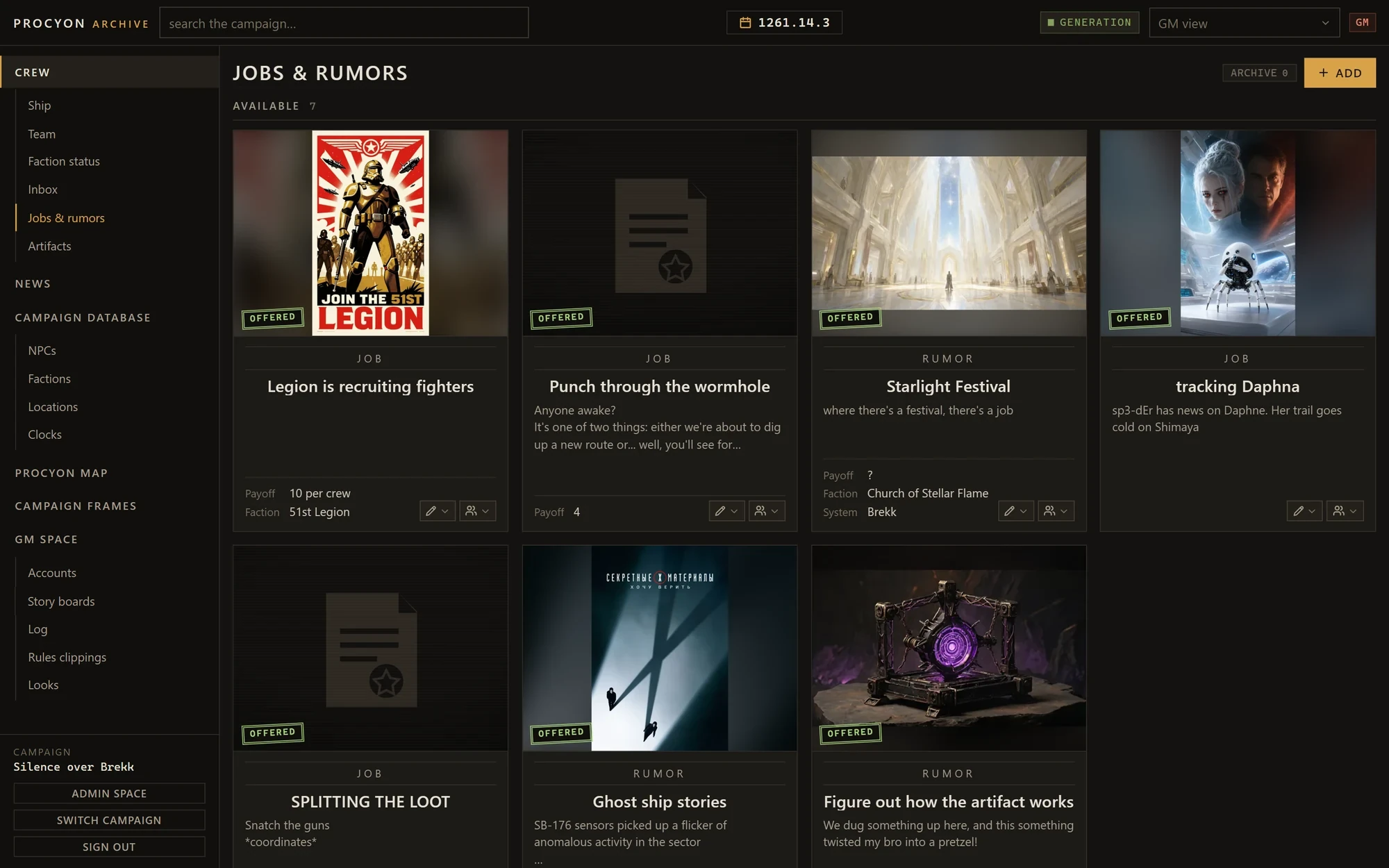
All pictures and screenshots on this page are from a real campaign.
File 01 — Interface
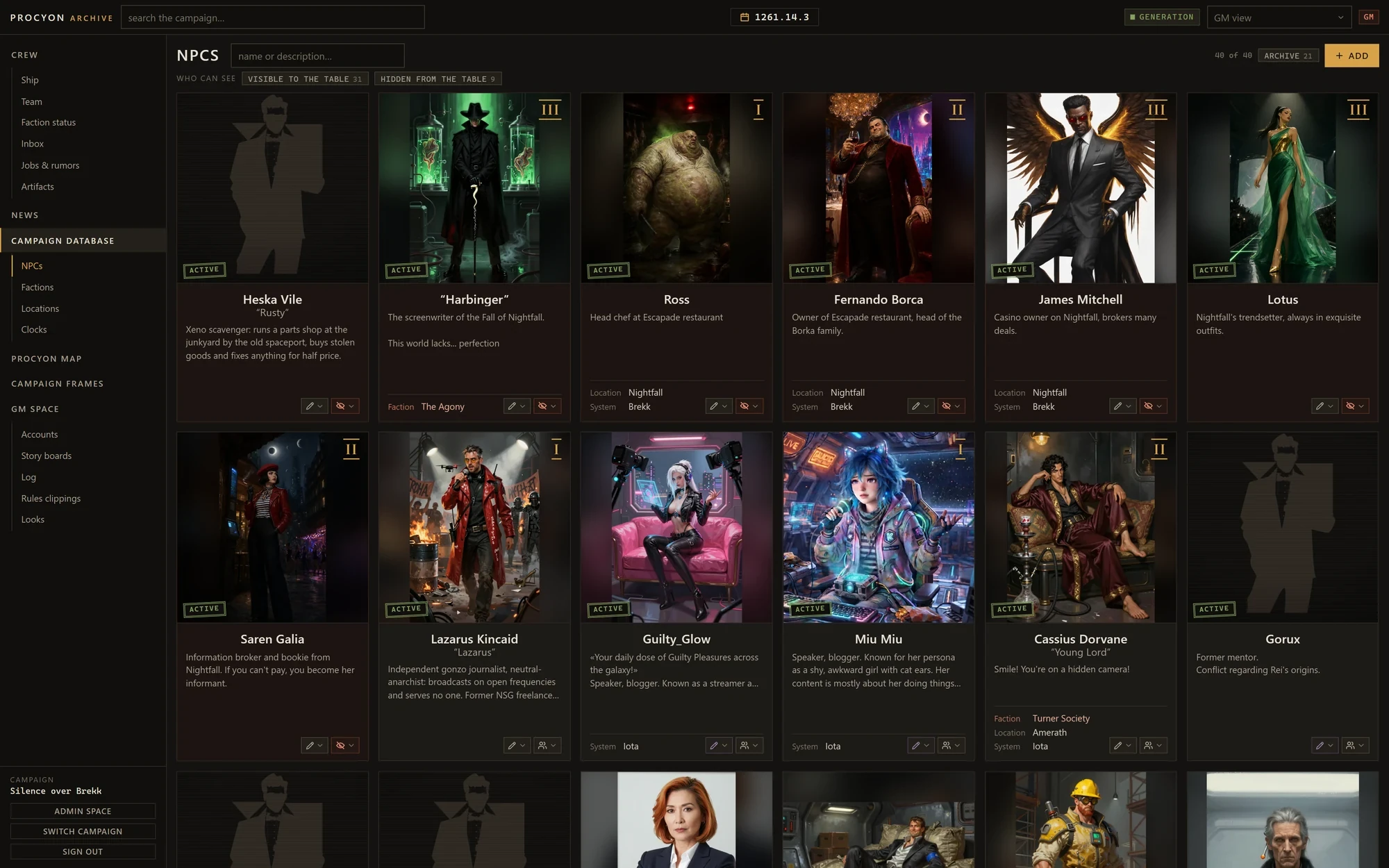
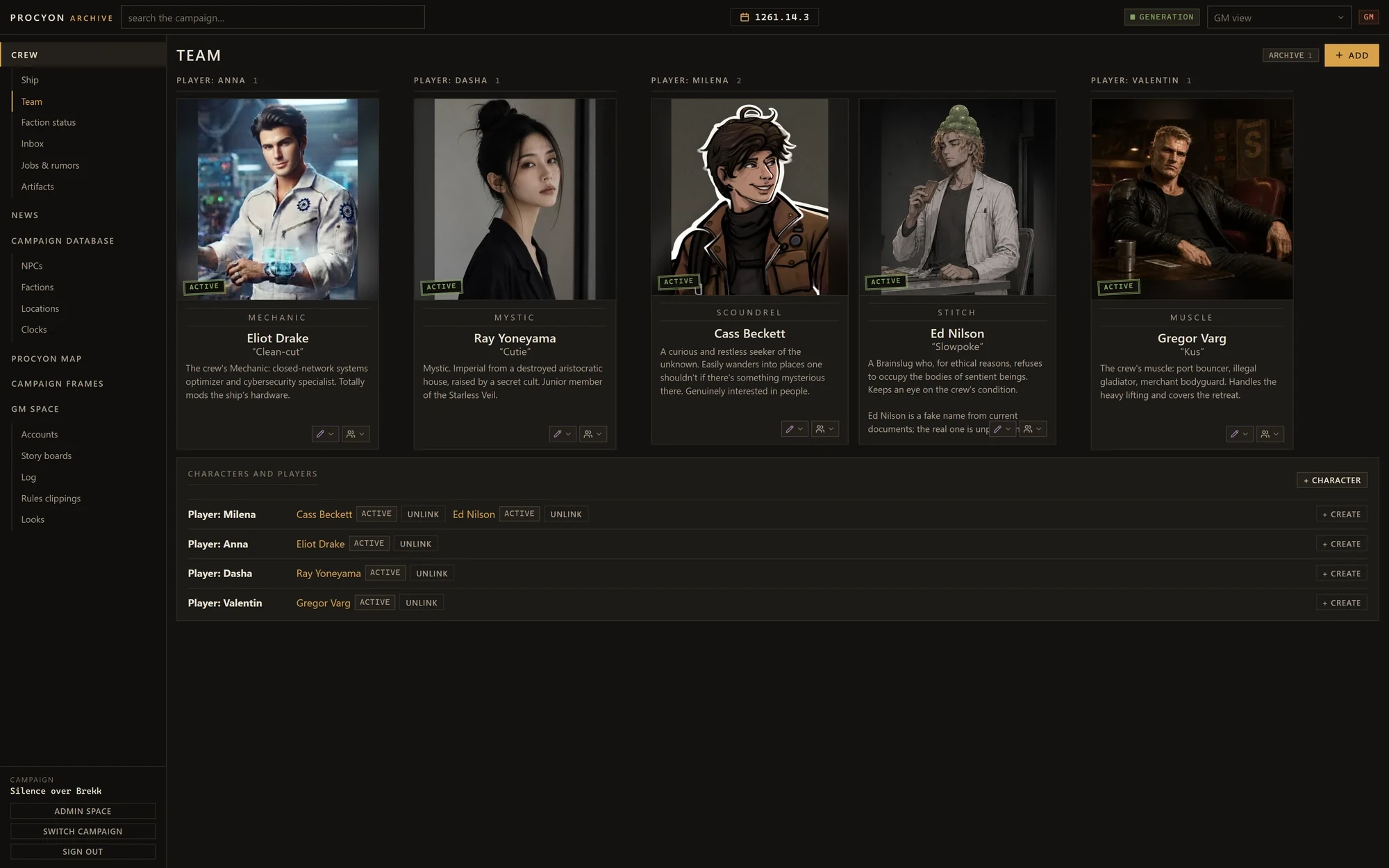
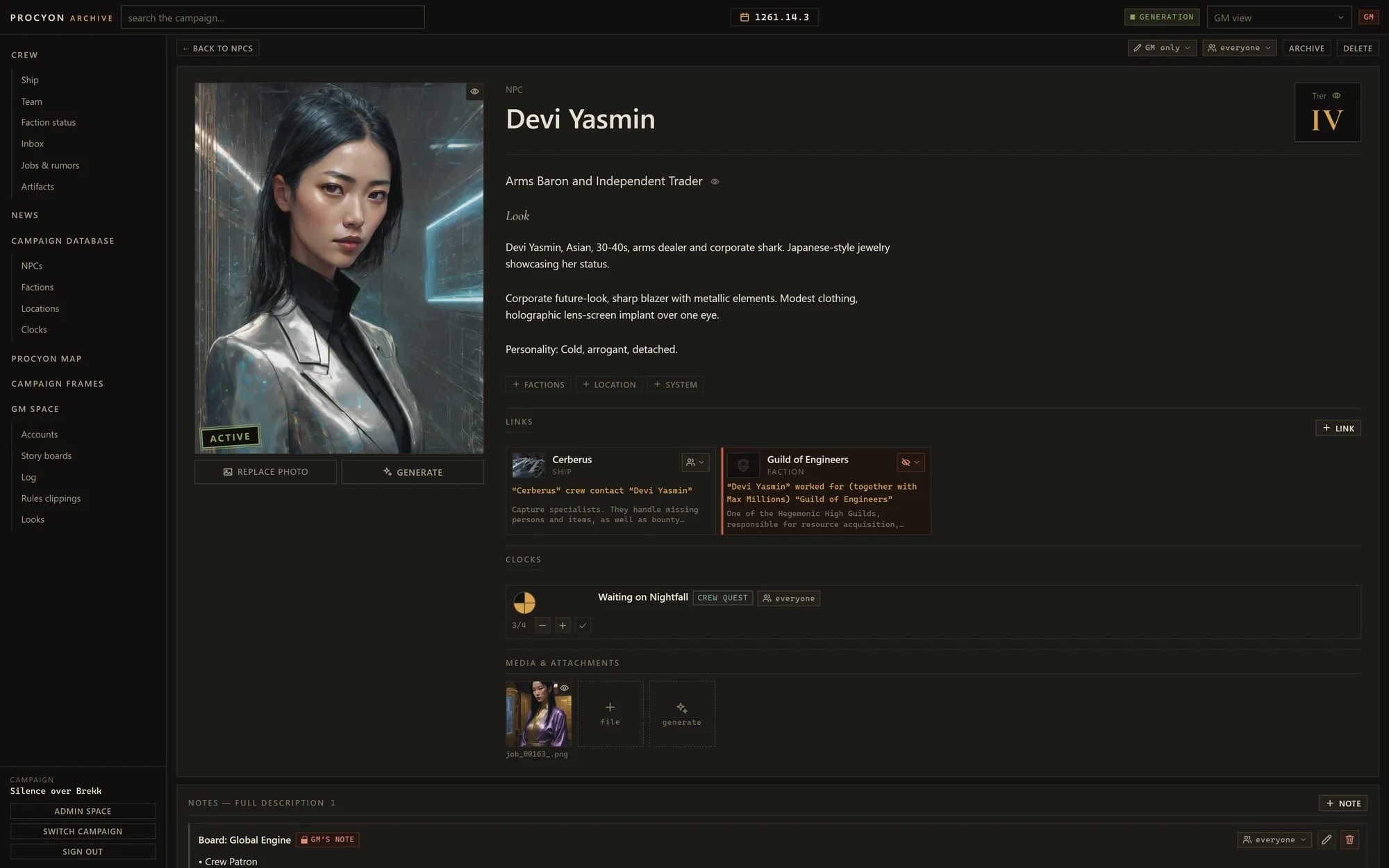
A look inside
File 02 — Sheets
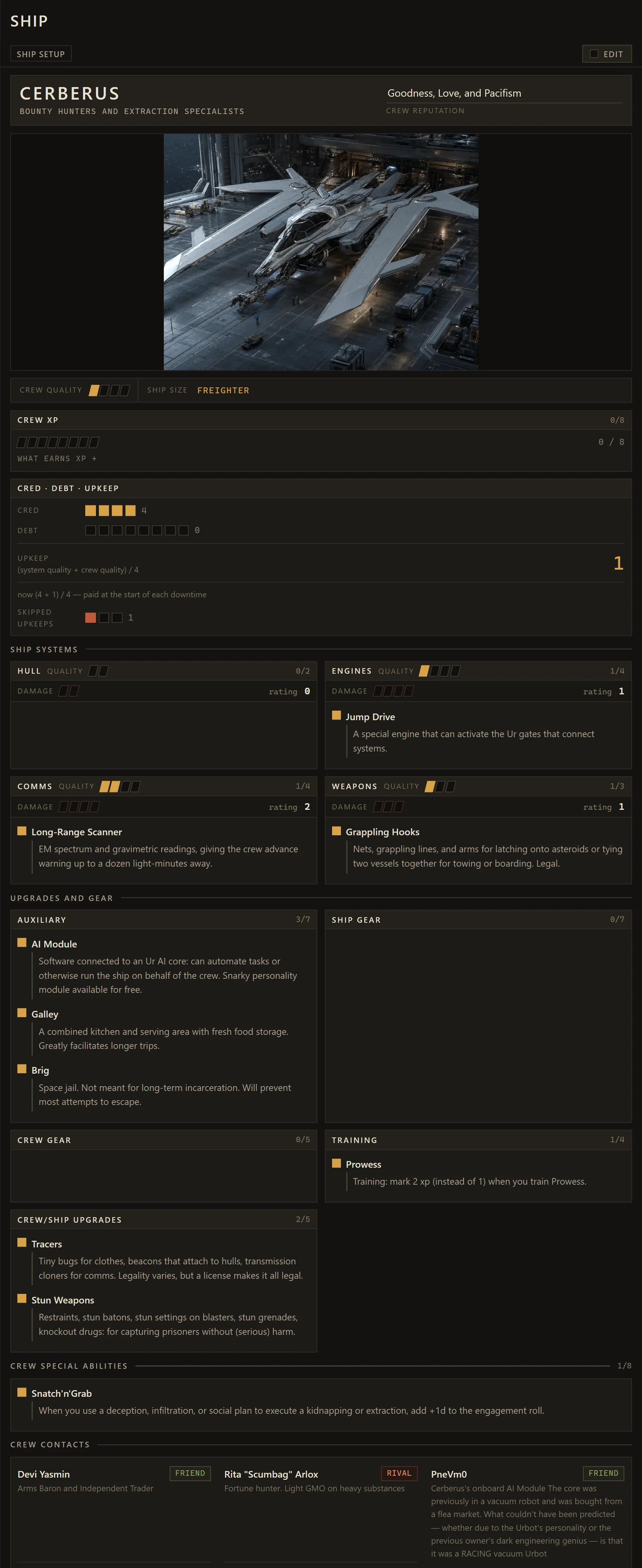
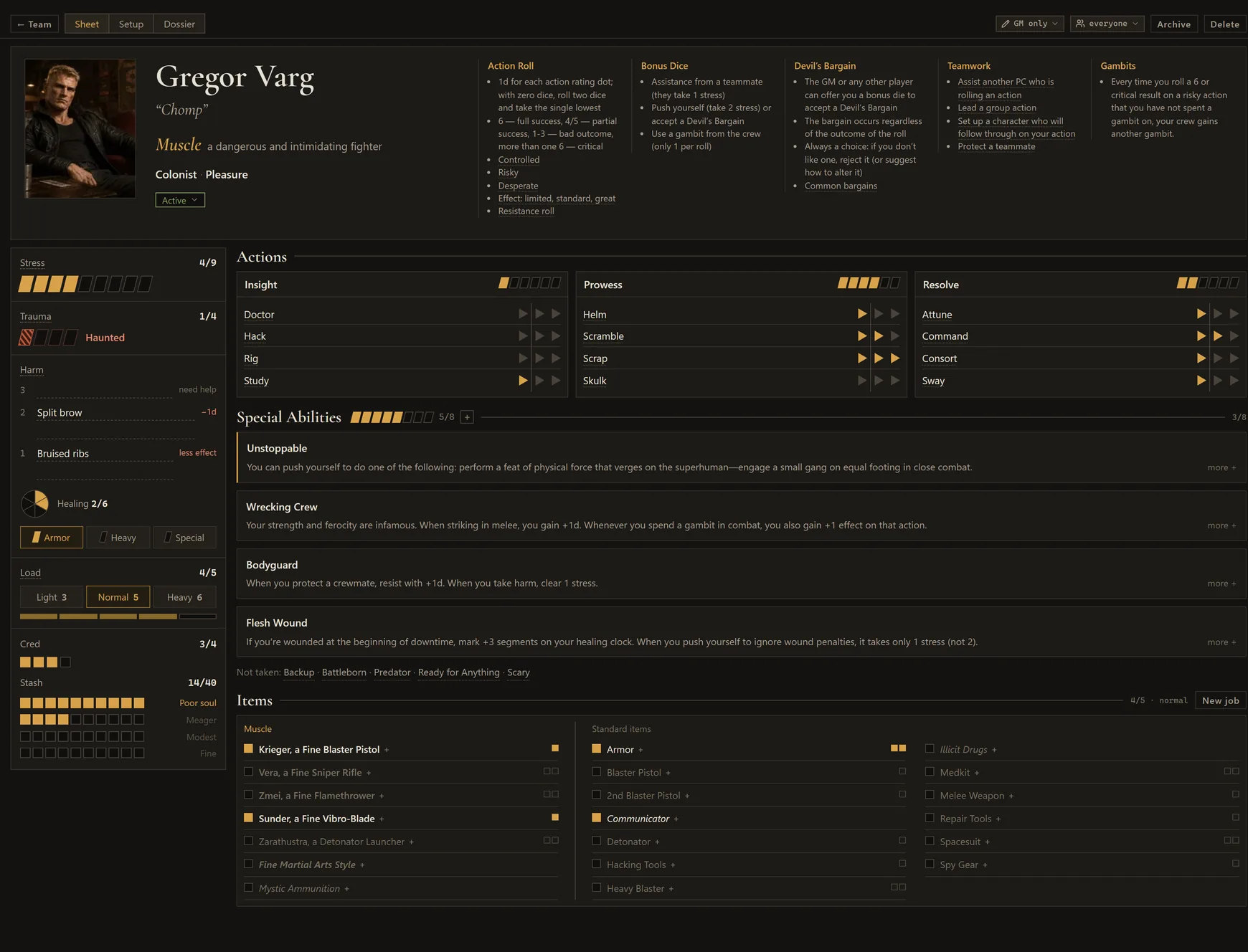
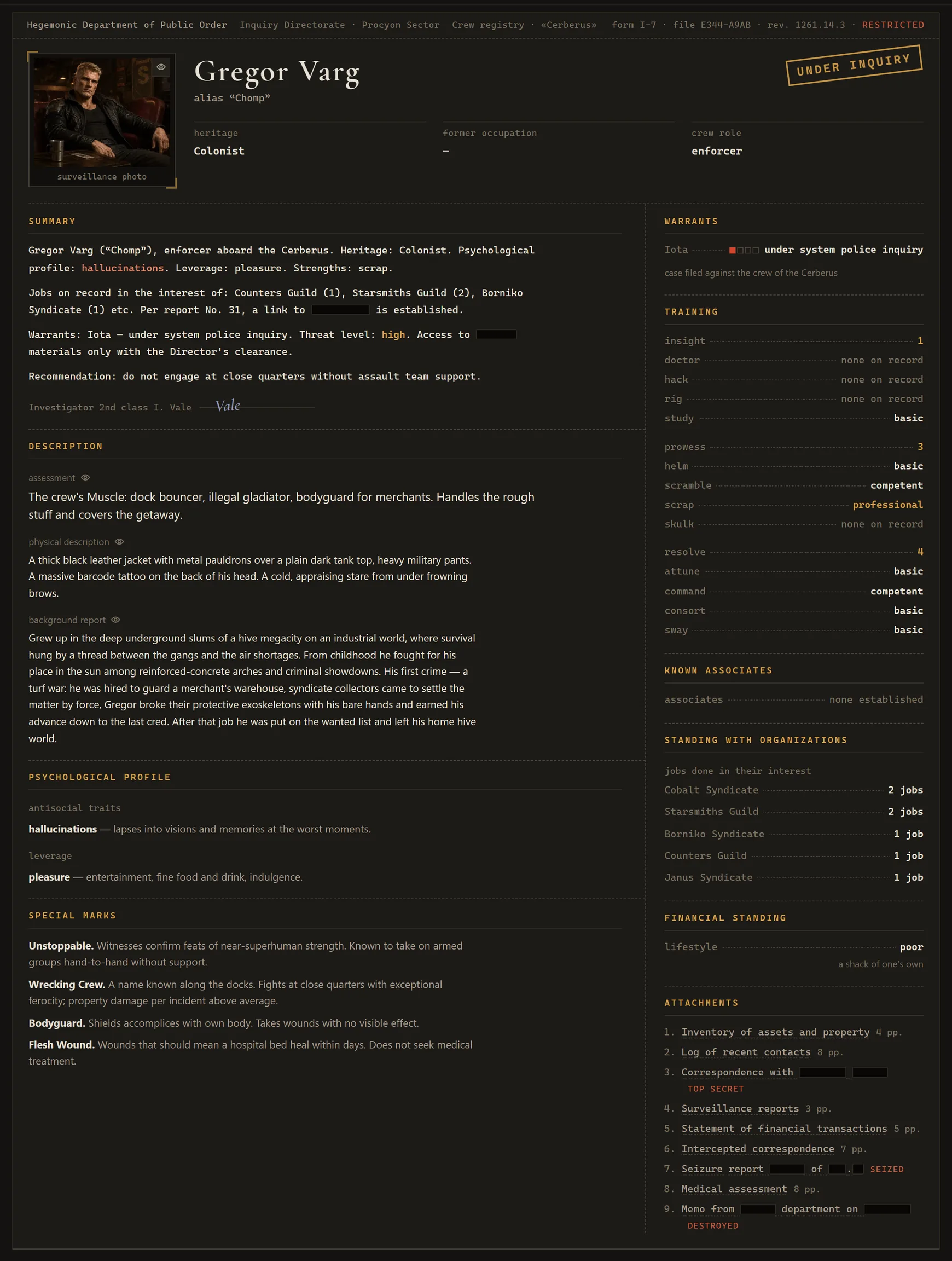
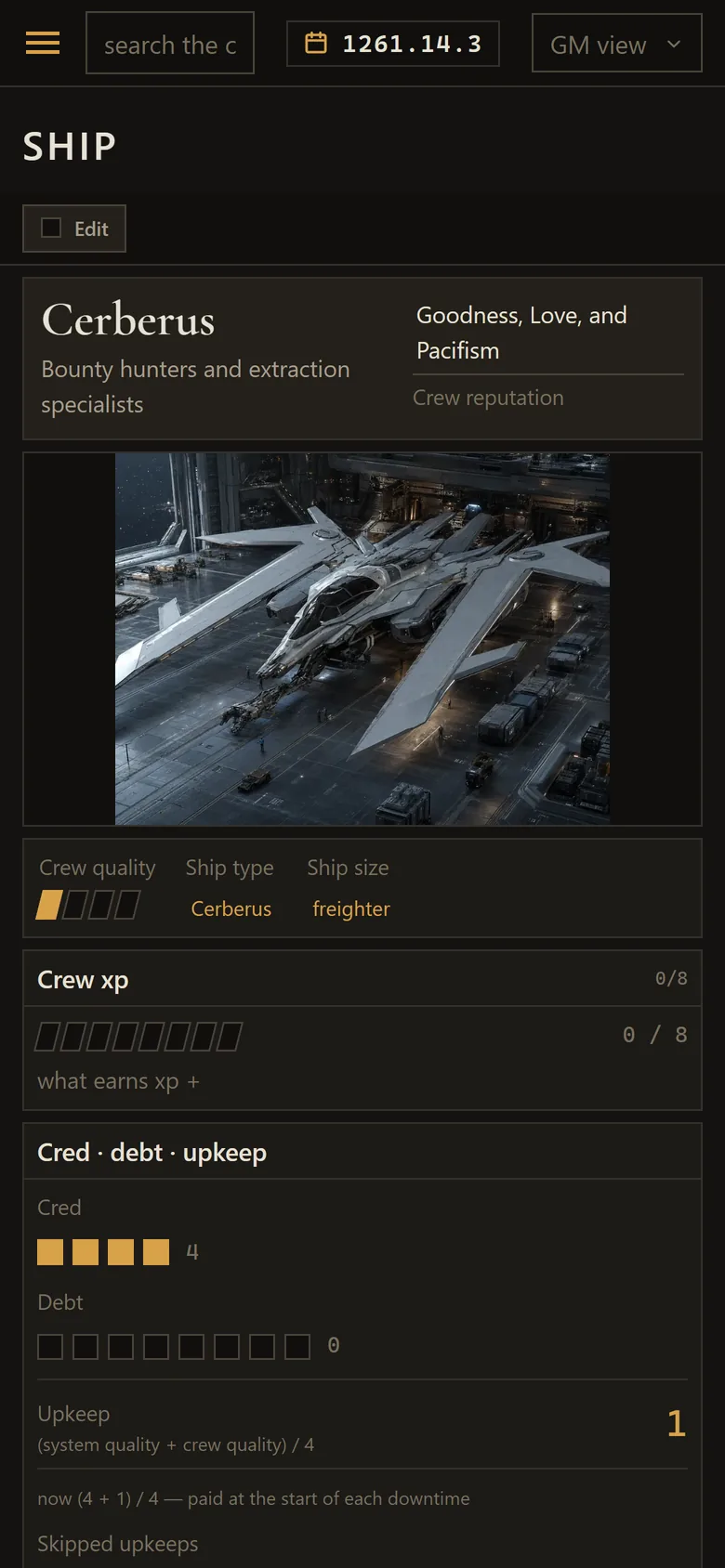
Ship and character sheets
From the author
I kept forgetting what was on the ship sheet and having to dig it up for the players so they could spend upgrades between sessions. Now it lives here too, and it's easy to edit from a phone.
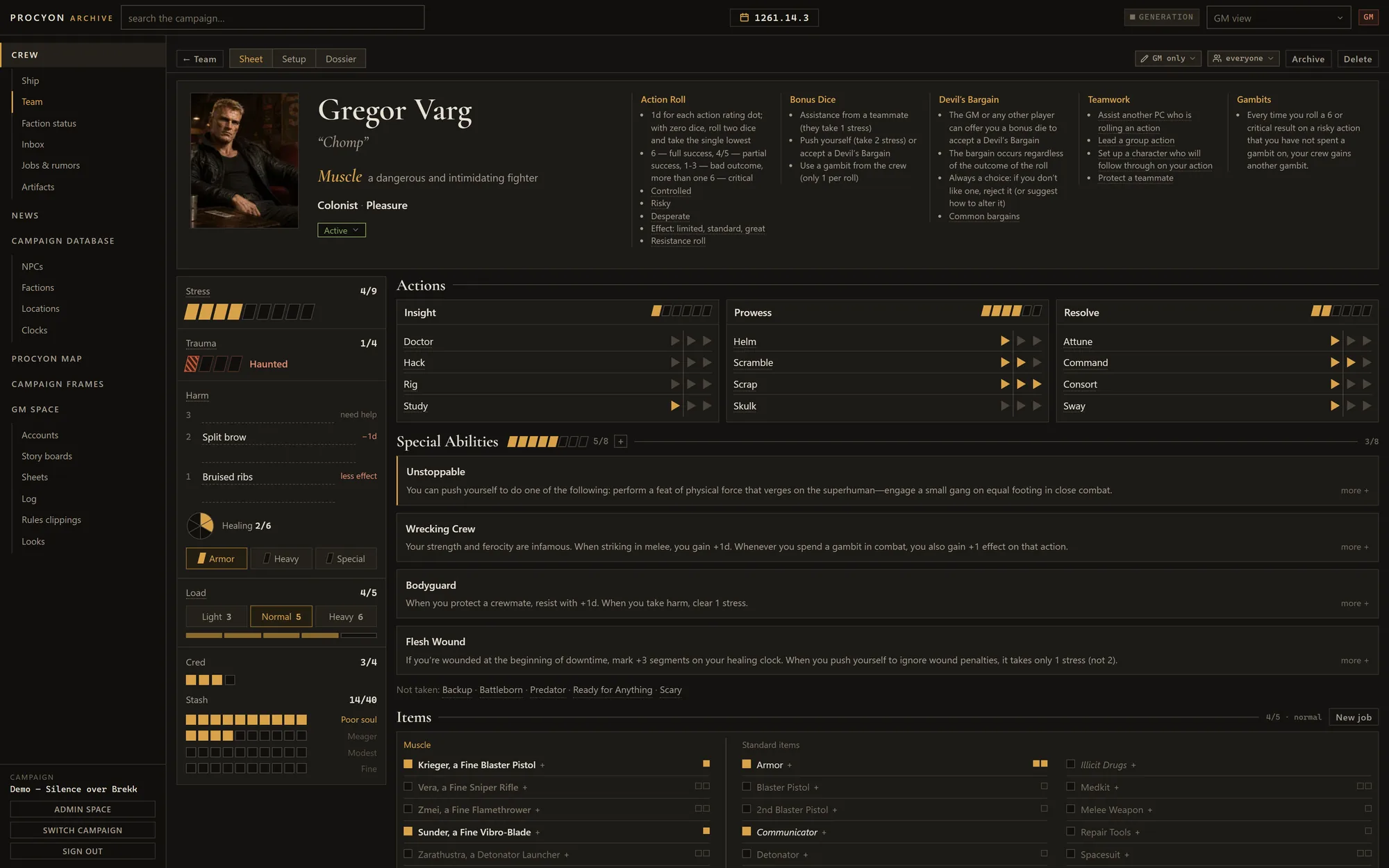
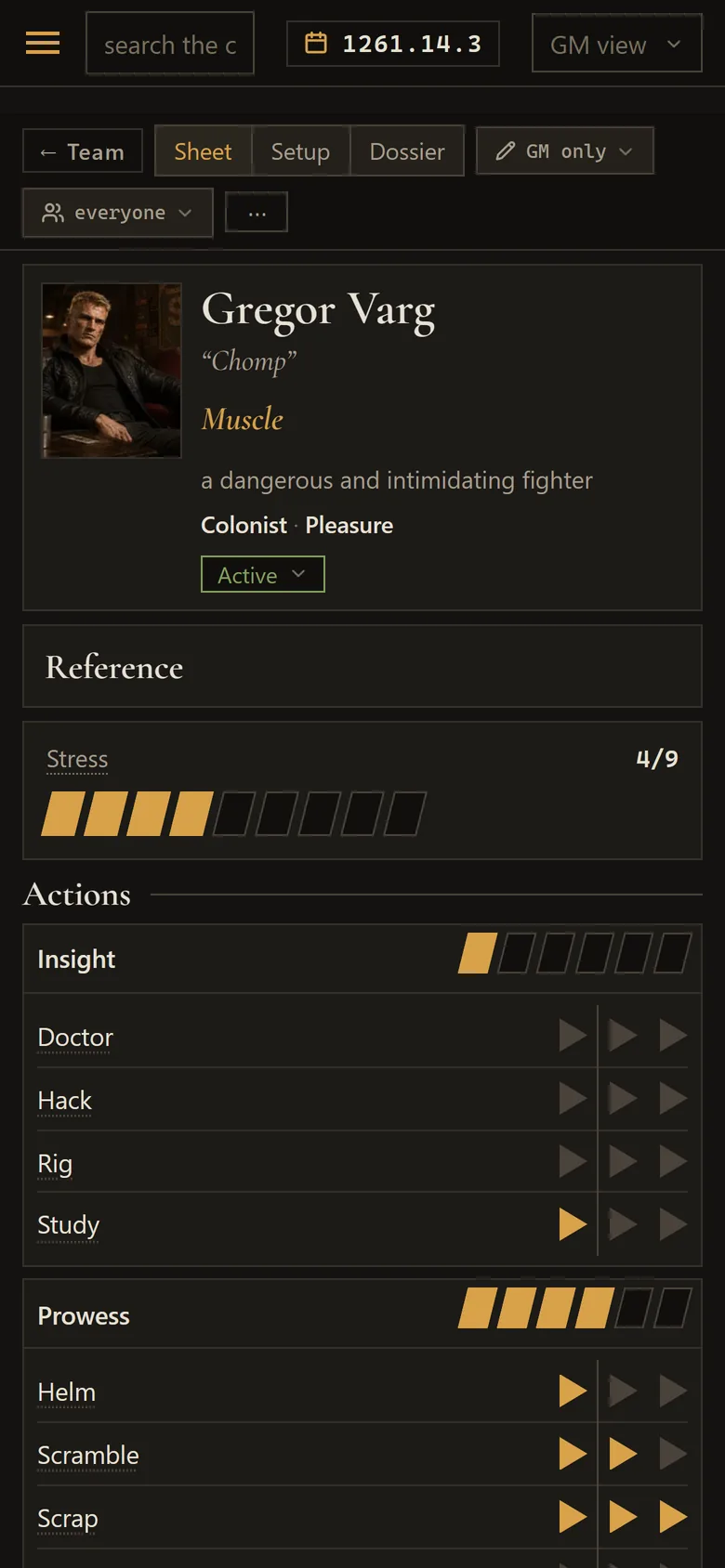
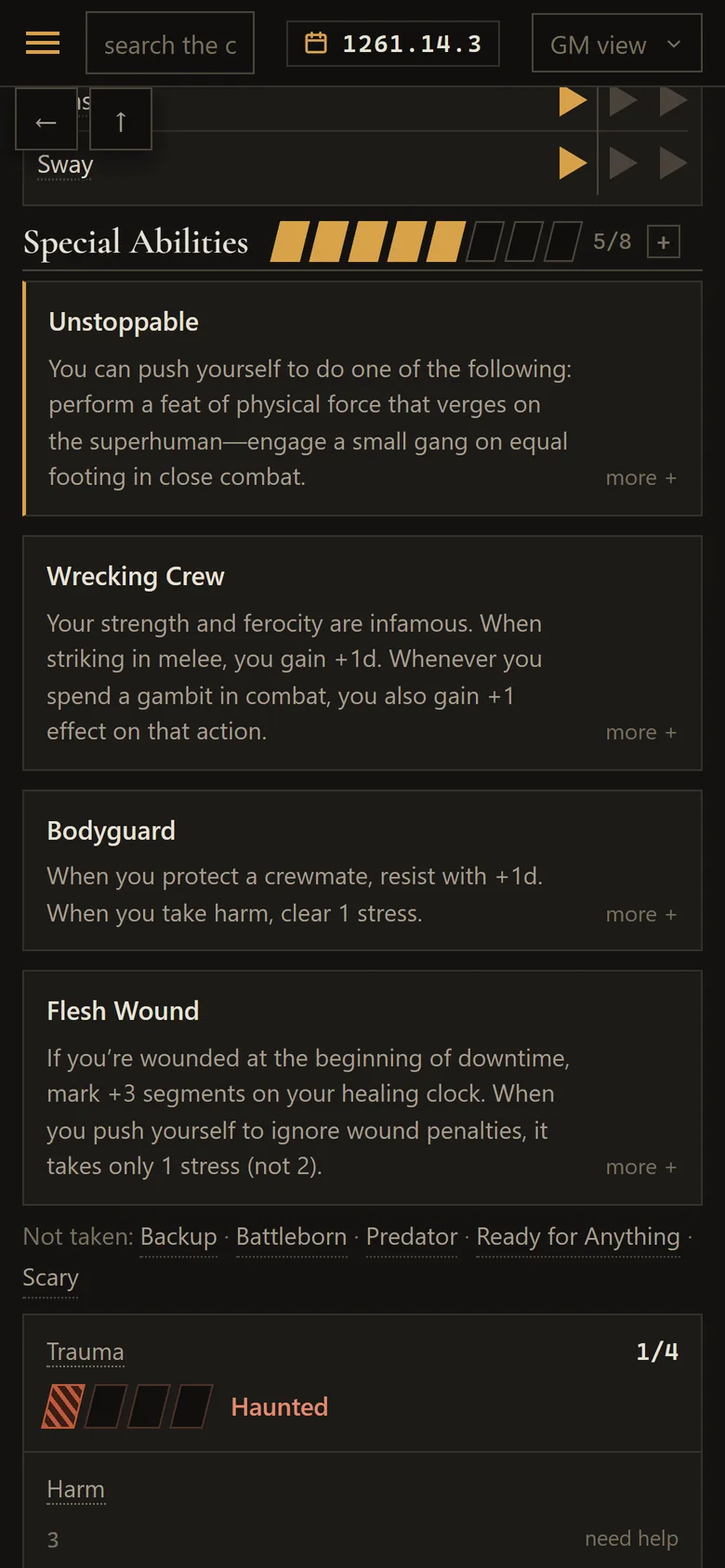
Characters have sheets now too. The Sheet tab puts stress, trauma, harm, load, cred, actions, special abilities and items on one screen, with a rules reference in the header that explains each line on click. Setup walks a player through creation and advancement, and the Dossier shows the same character as a Hegemony case file.
File 03 — Studio
Generating visual materials
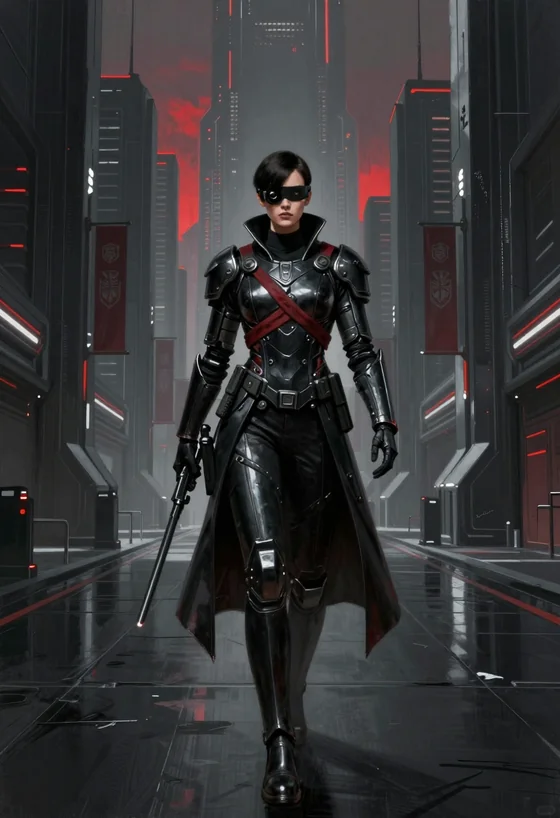
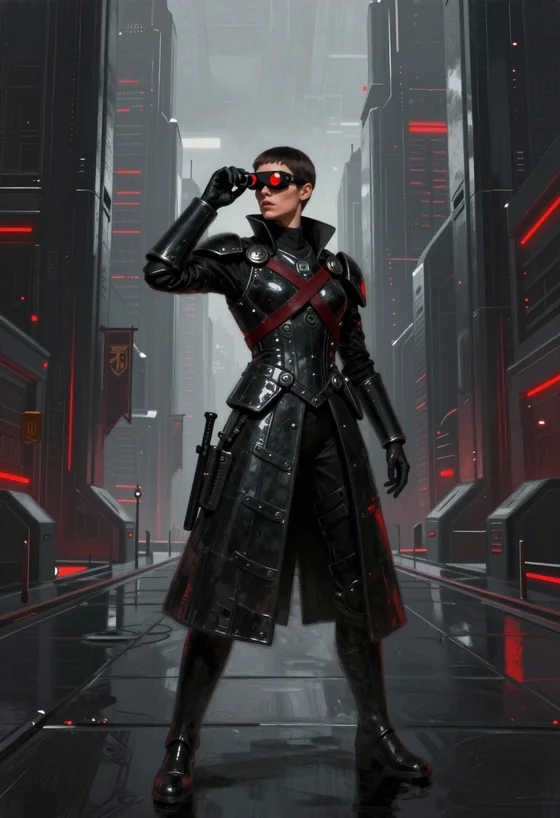
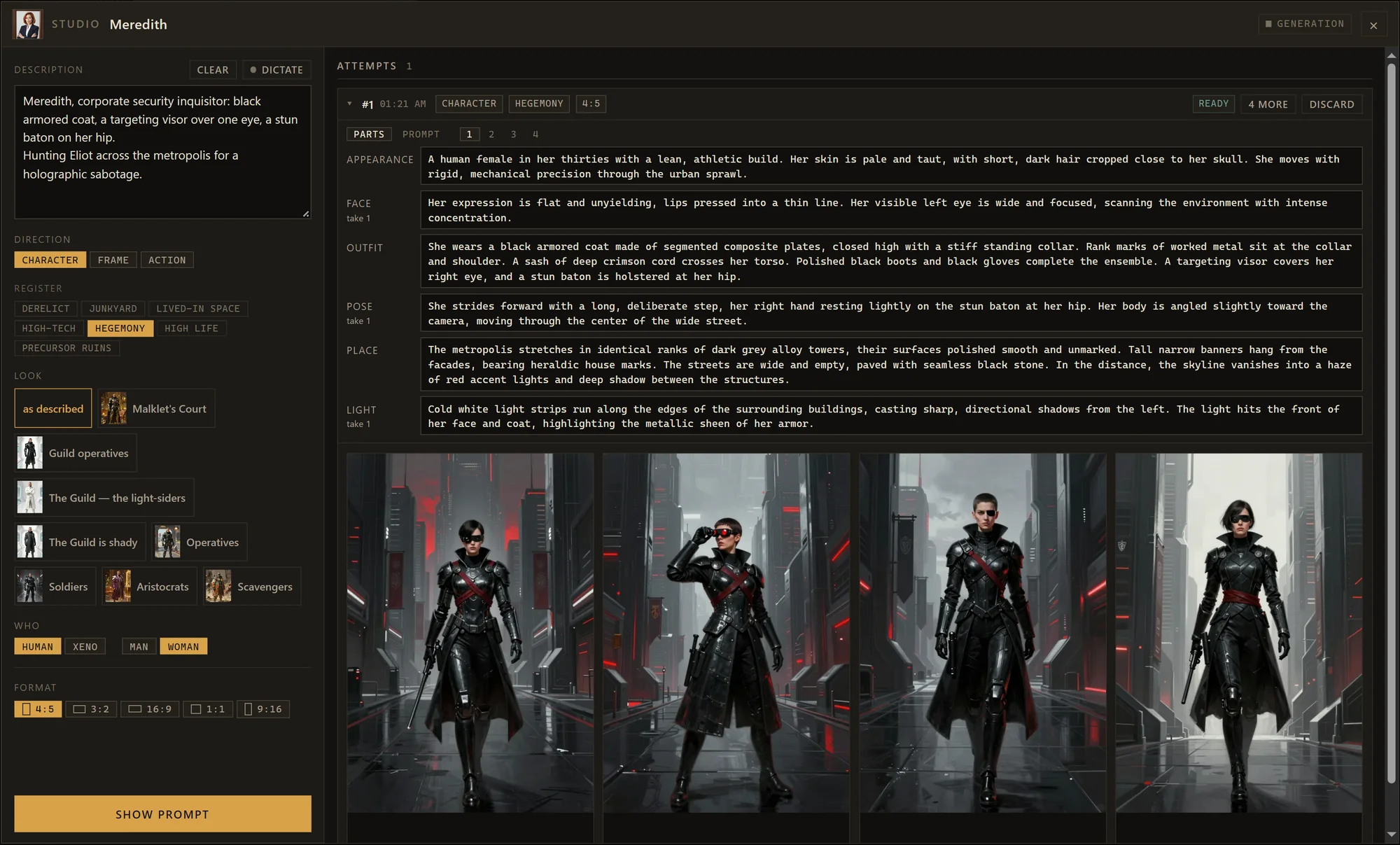
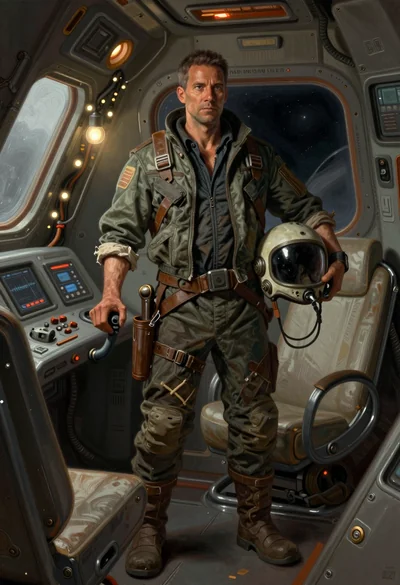
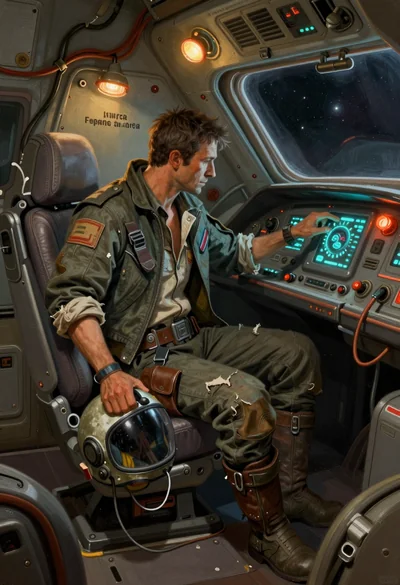
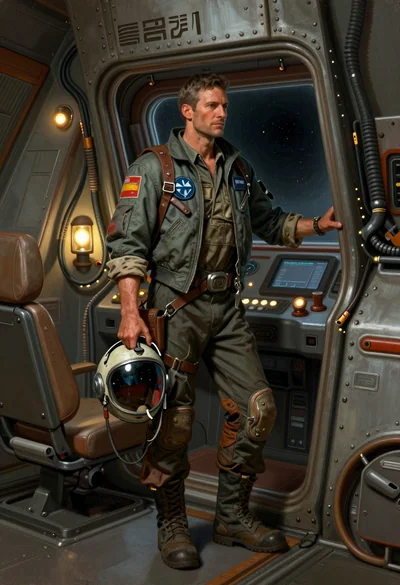
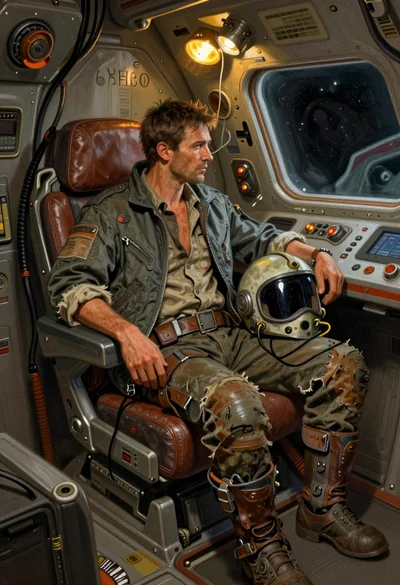
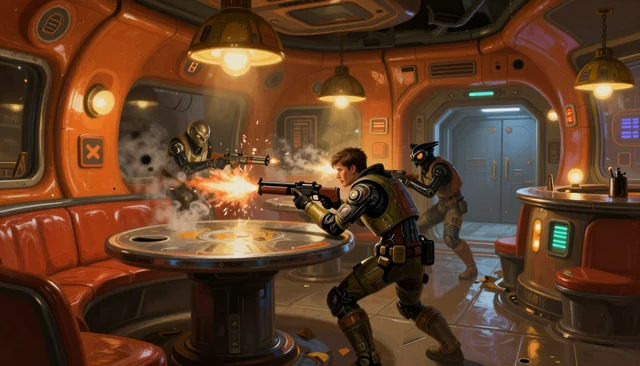
The studio takes a character's description and sends it to an LLM, which writes the image prompt in parts: appearance, face, outfit, pose, place and light. The GM picks a direction, a register, a look and a format, and gets four variants, each drawn from its own take on the prompt.
Meredith what the GM typed
Meredith, corporate security inquisitor: black armored coat, a targeting visor over one eye, a stun baton on her hip.
Hunting Eliot across the metropolis for a holographic sabotage.
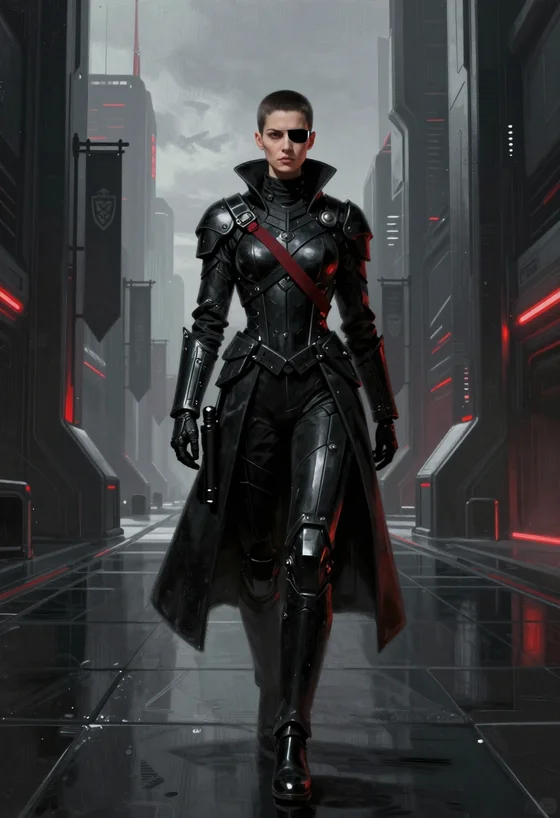
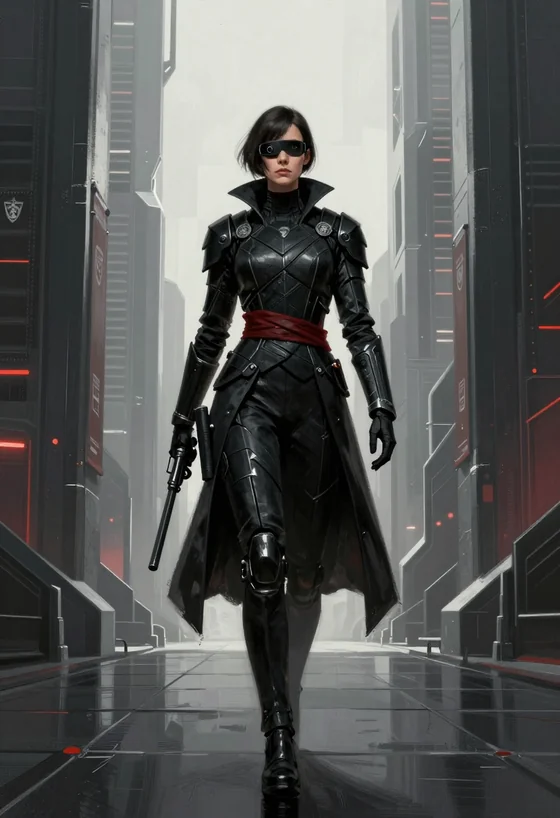
Same people, different outfits
A faction's outfit is described once and fits anyone. The character stays the same; the outfit comes from the look word for word.
File 04 — Pipeline
How a picture is made
A picture goes through two models: an LLM turns the GM's few words into a prompt that belongs to the setting, and a small image model draws it on your own card.
-
01
Prompt with the setting in mind
An LLM gets the GM's words together with the setting: the world, the chosen corner, the faction outfit. It writes the picture in parts — appearance, face, outfit, pose, place, light — in four takes.
-
02
Assembly by code
Code adds the style and the framing, and fixes what a small model gets wrong: objects from our century, hovering vehicles, planets that look like Earth.
-
03
Picture on a local card
Z-Image-Turbo (INT8) in ComfyUI: eight steps, about 15 seconds a picture on one 16 GB card. Or any image API.
From the author
I went absolutely nuts trying to get the generation pipeline to nail the setting's style on dirt-cheap models. It's tuned for Z-Image-Turbo, which runs locally on a single 16 GB card.
In my experiments the results sometimes come out a bit weird or naive, and it's really bad at ships because of the heavy distillation. But you can always plug in a better model and tweak the prompts in Admin space, or just upload pictures from anywhere else.
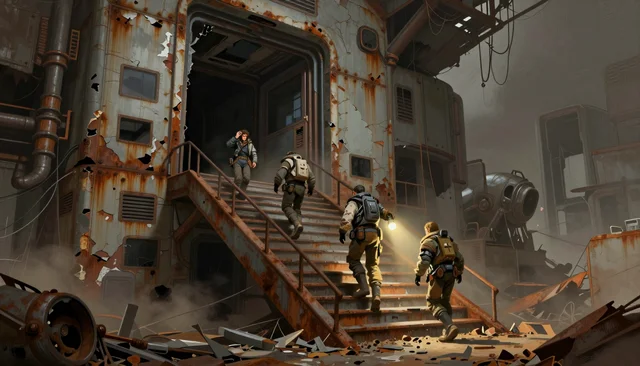 derelict
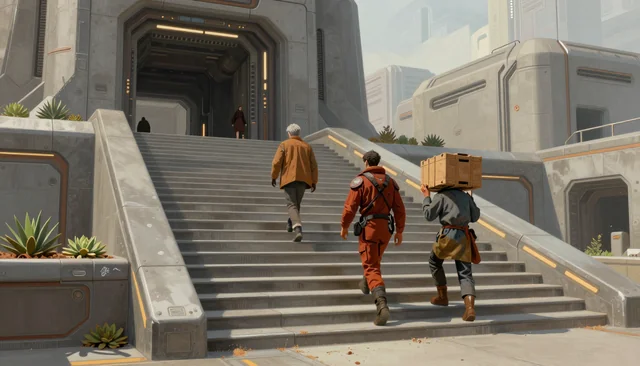 lived-in space
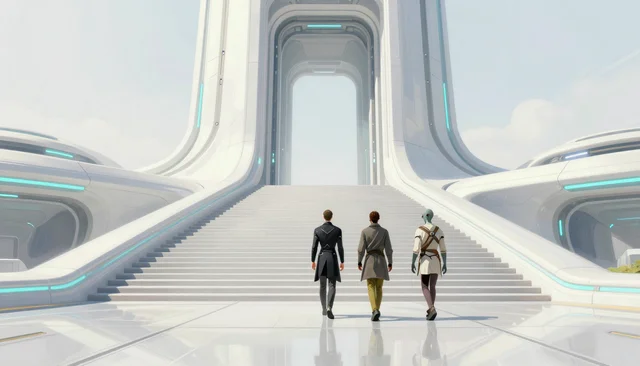 high-tech
 high life
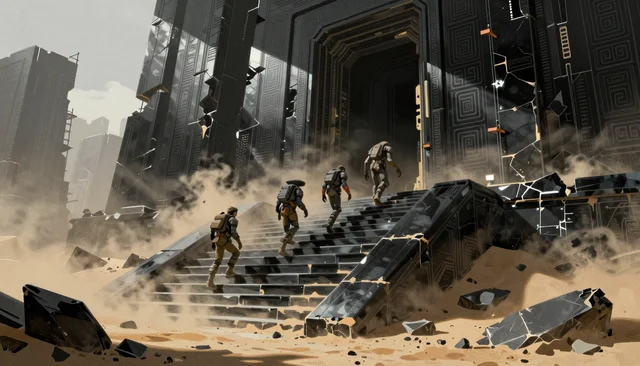 precursor ruins
One prompt,
four seeds
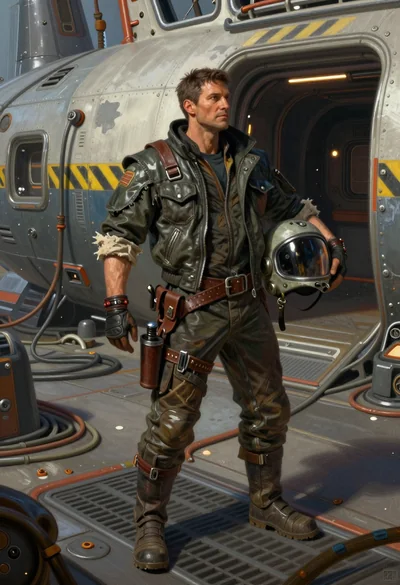
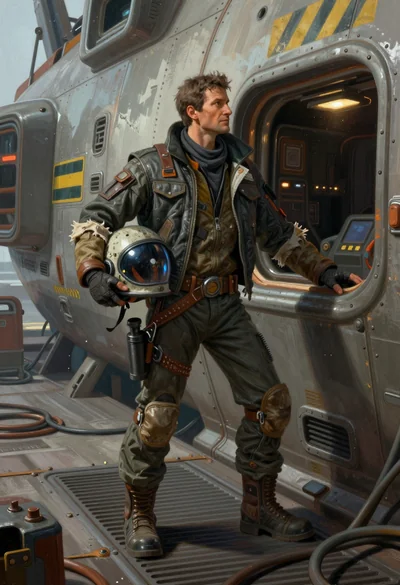
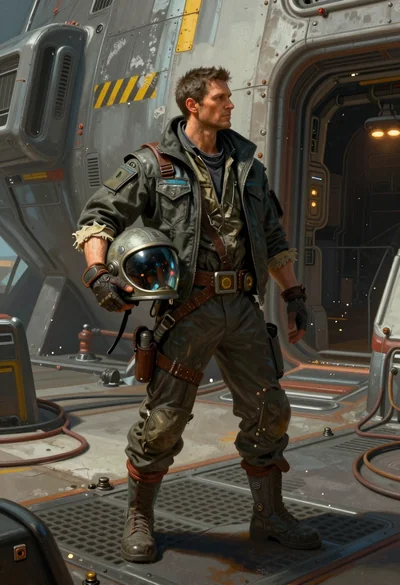
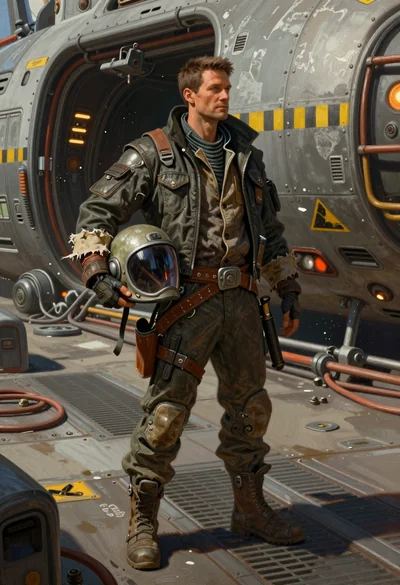
Four takes
by the LLM
 before
 after
after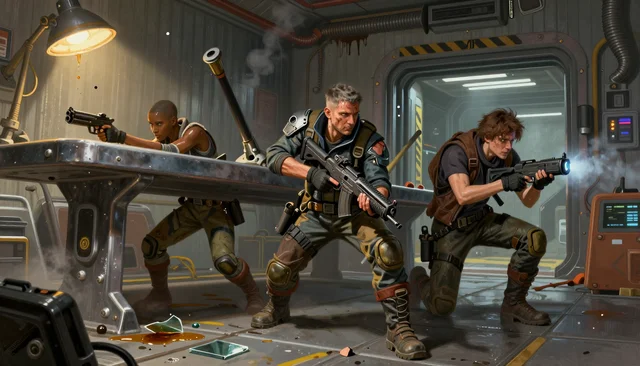 before
 after
afterFile 05 — Personal files
Character notes
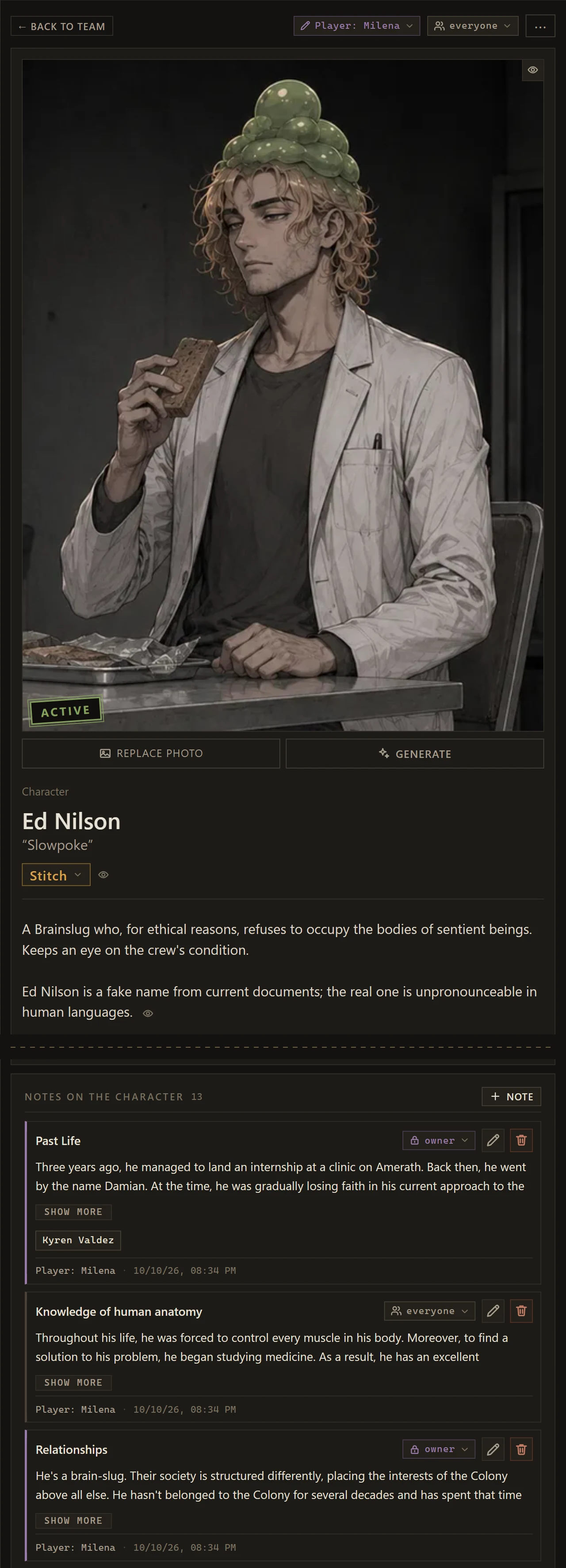
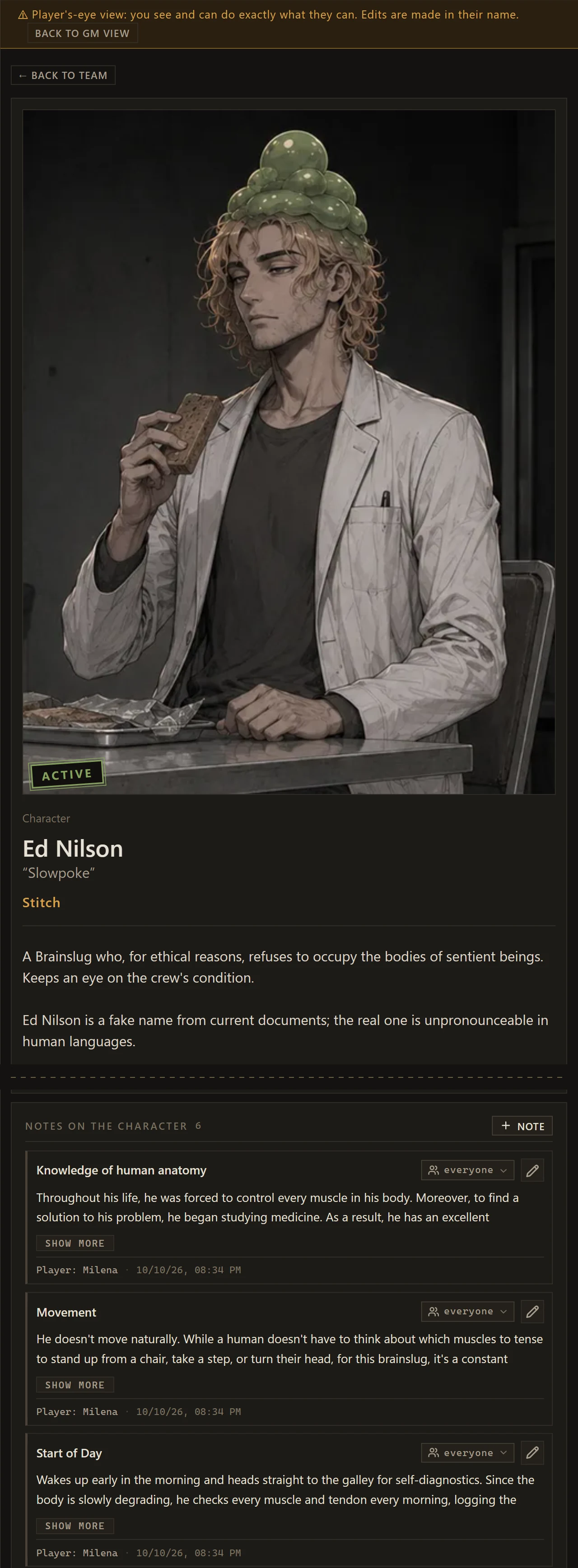
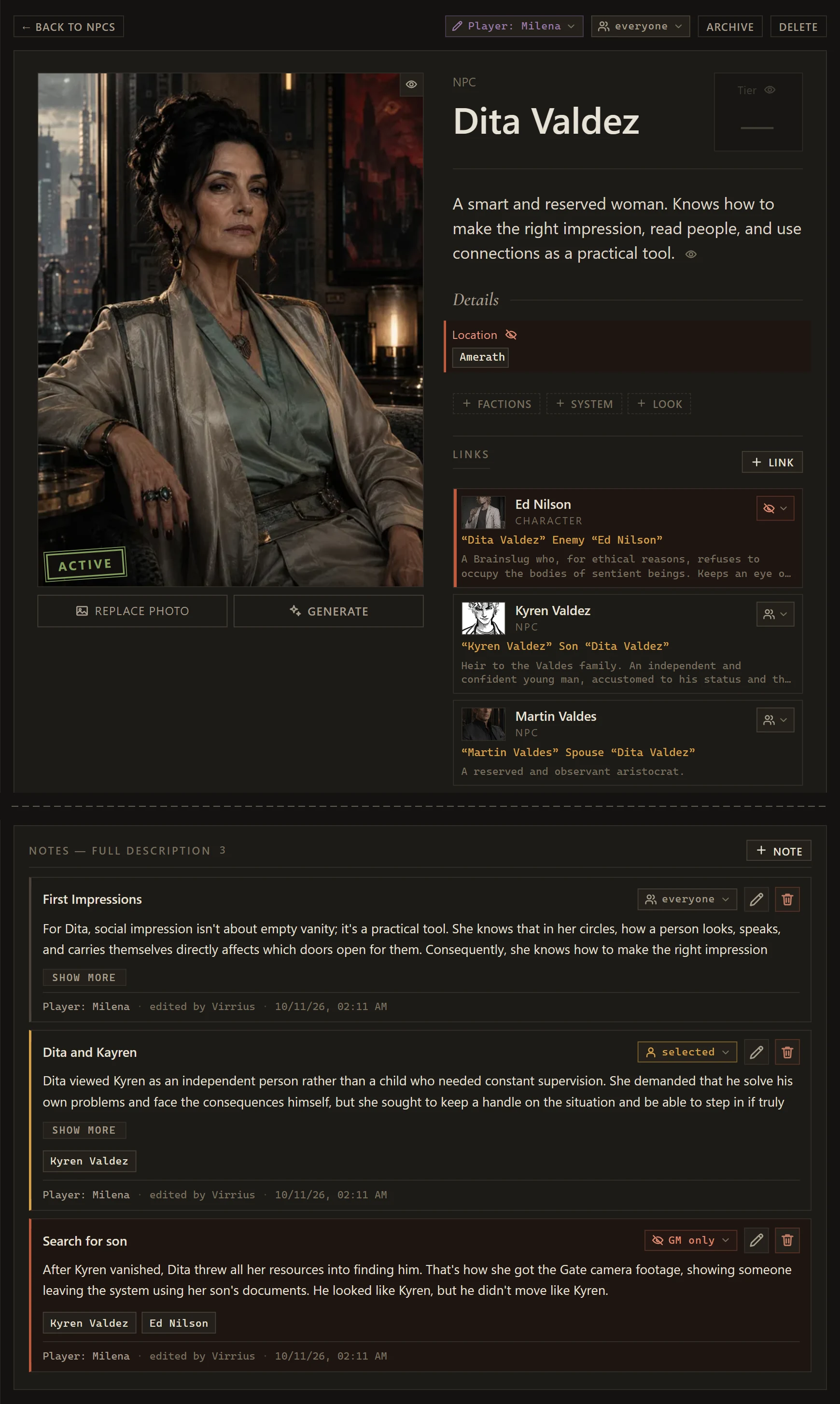
Players keep notes on their characters: background, habits, goals, secrets. Each note can be shared with the table, shown to chosen players, or kept between the player and the GM.
File 06 — Access
Access control
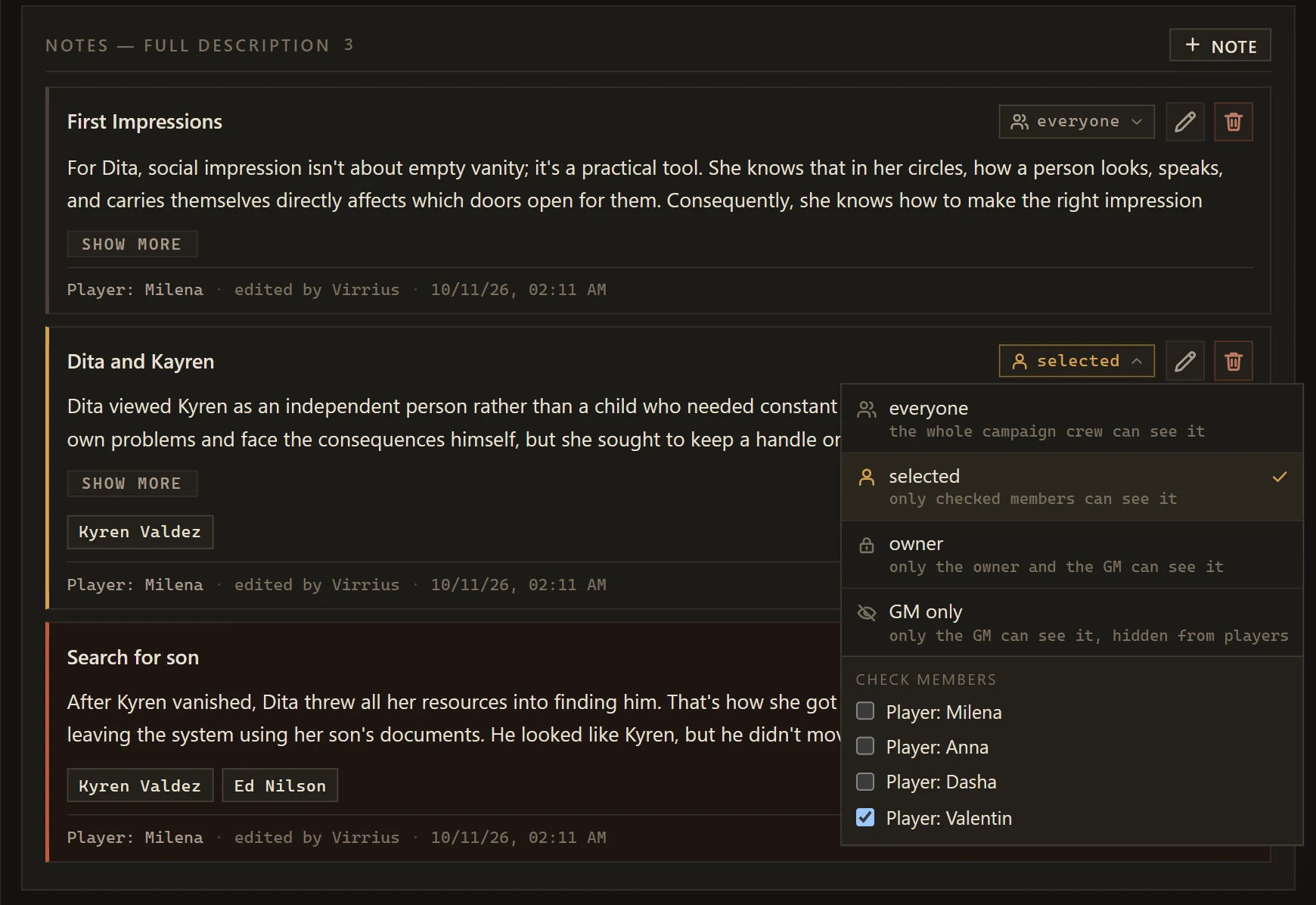
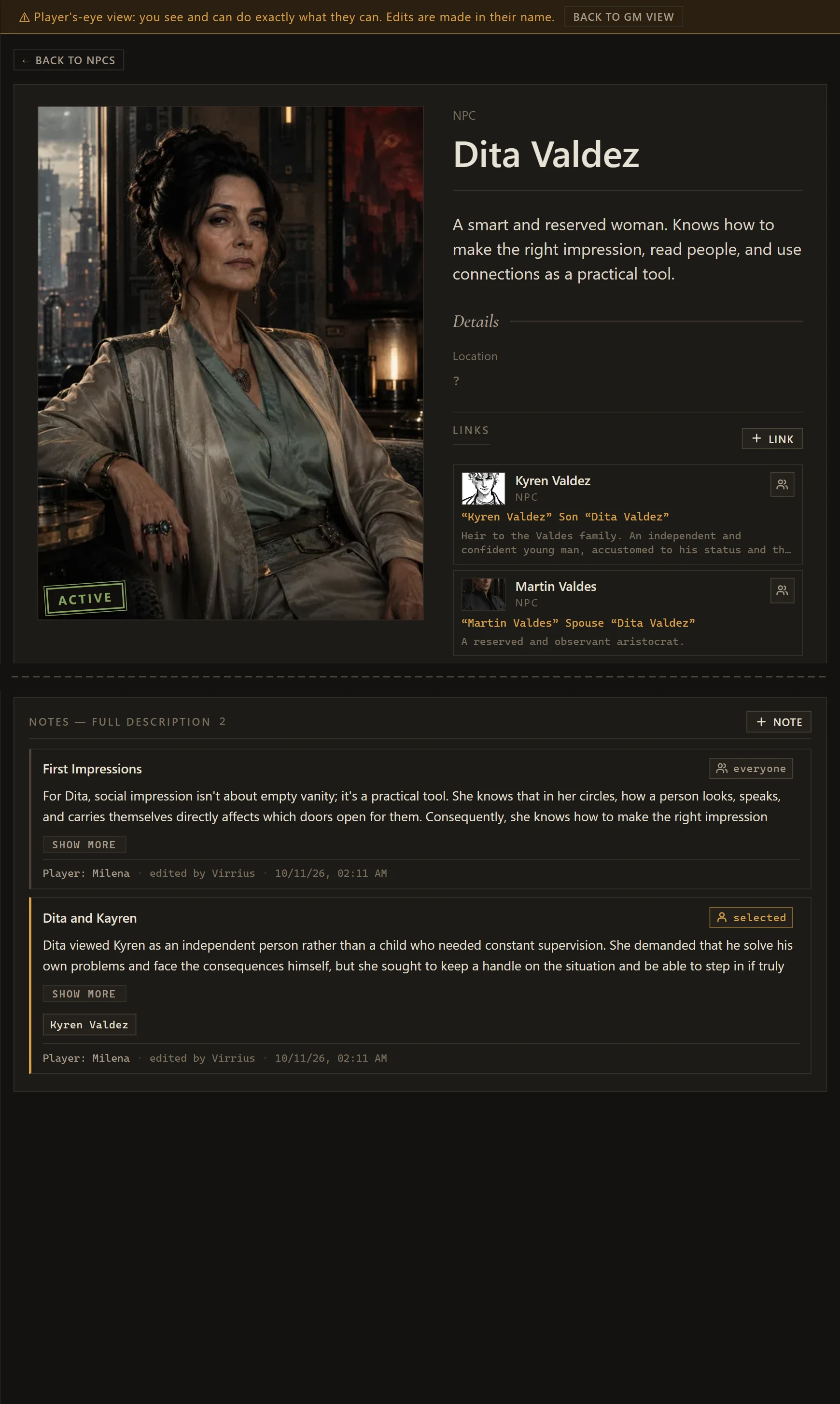
Almost everything in a campaign has an audience: everyone, selected players, the owner and the GM, or the GM alone. Each player gets only what is open to them, and the GM can open any page through a player's eyes.
File 07 — Cartography
Maps
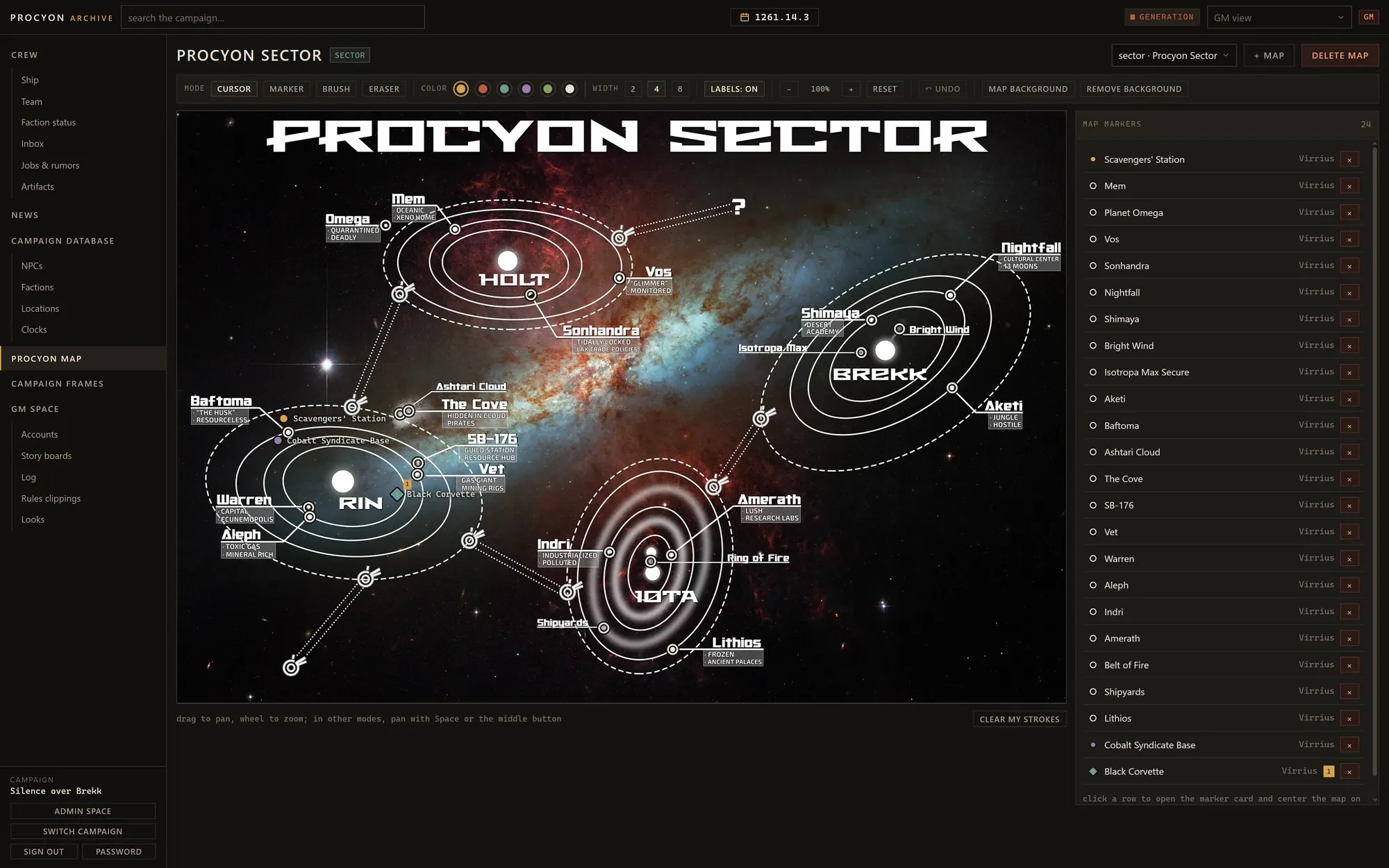
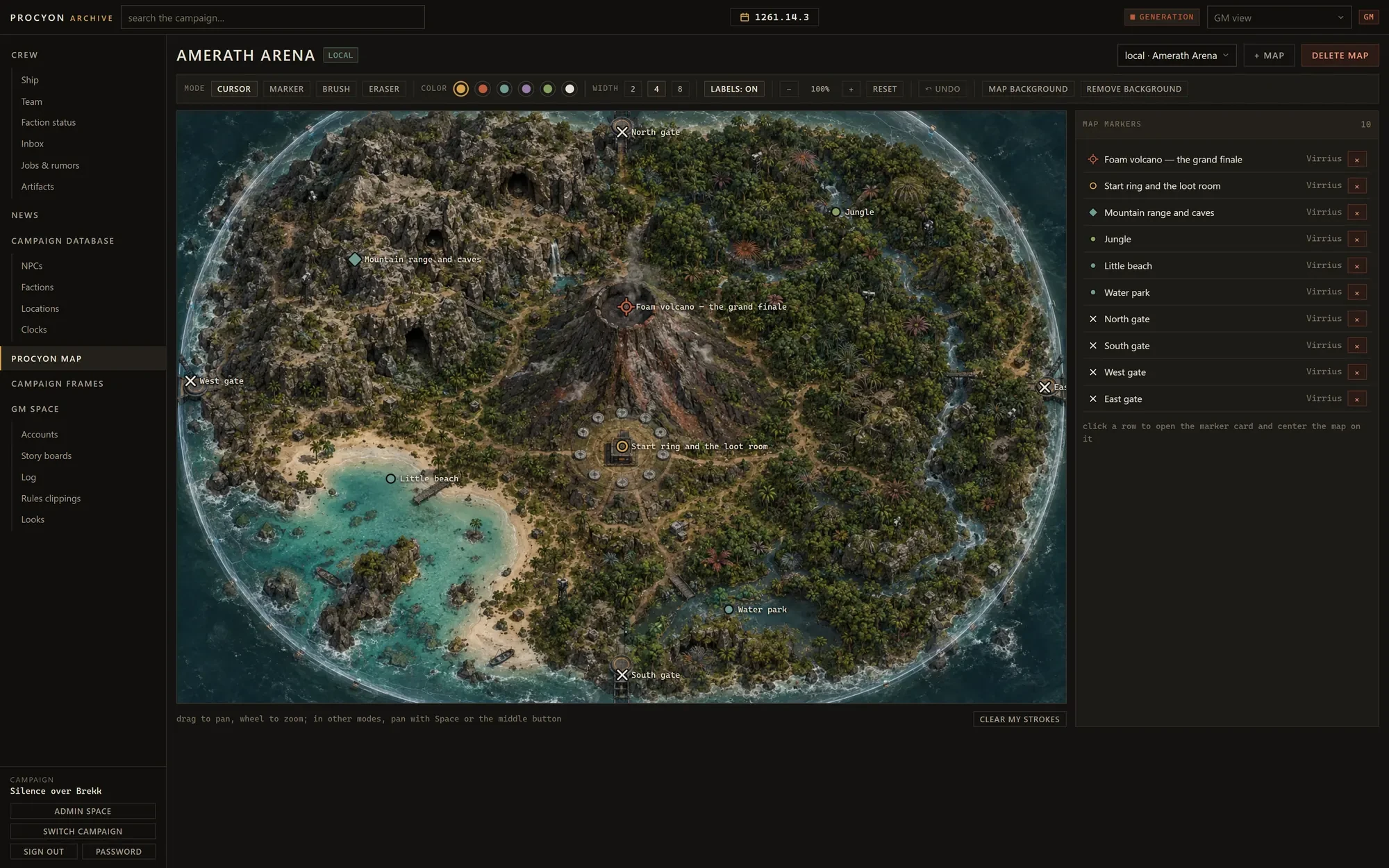
Every campaign starts with the Procyon sector map. The GM can add maps of systems or single places. Markers link to cards; anyone can draw on a map.
File 08 — GM space
Story boards
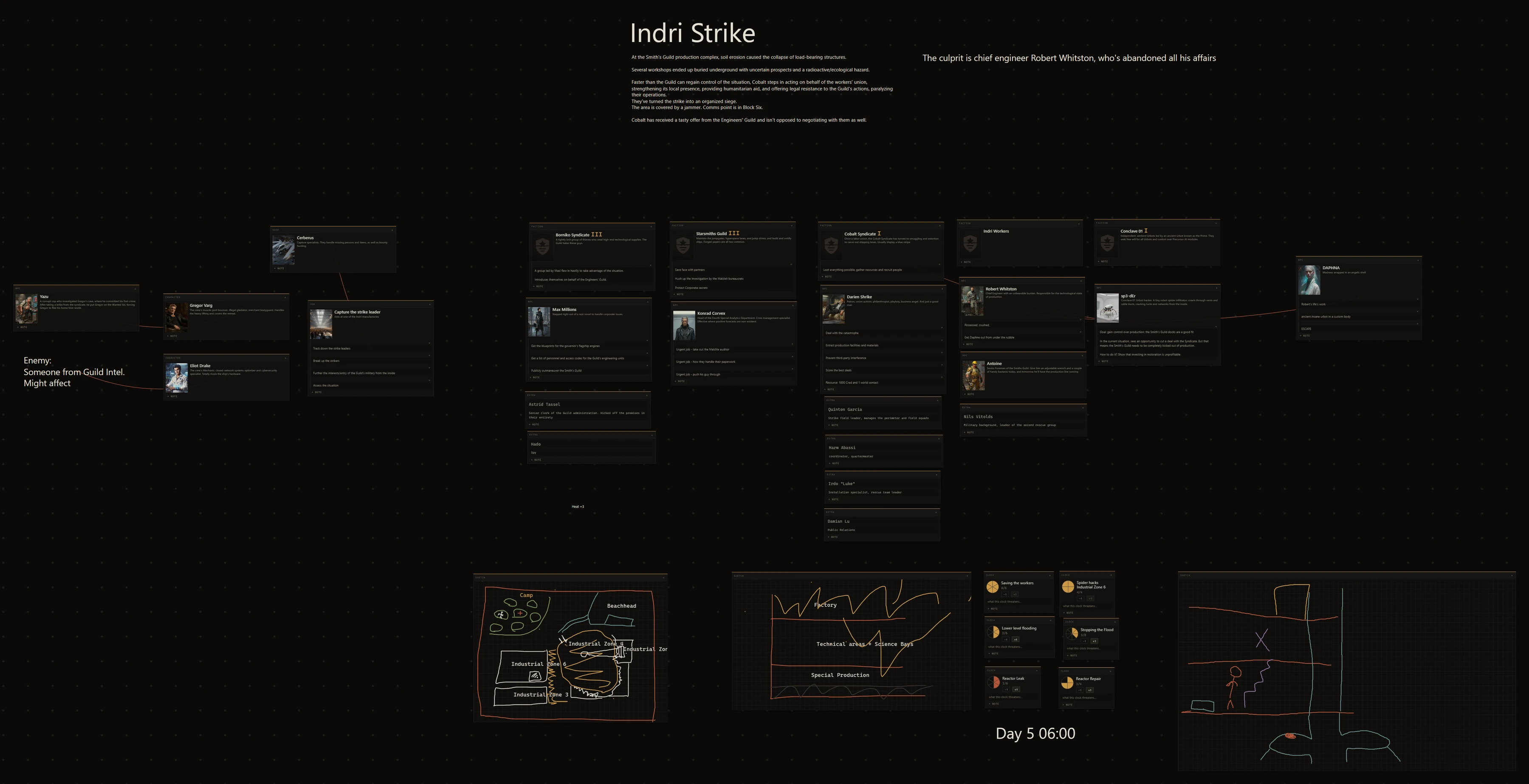
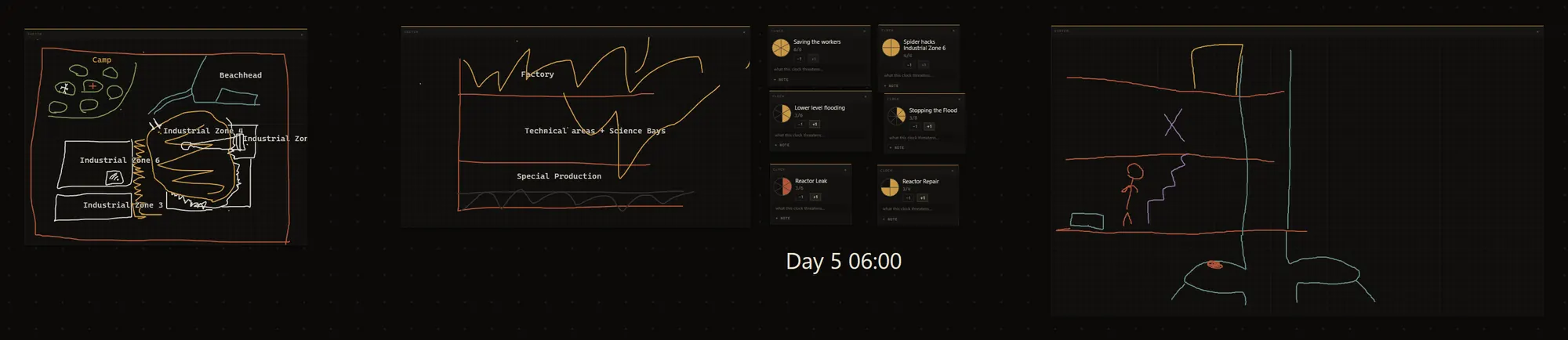
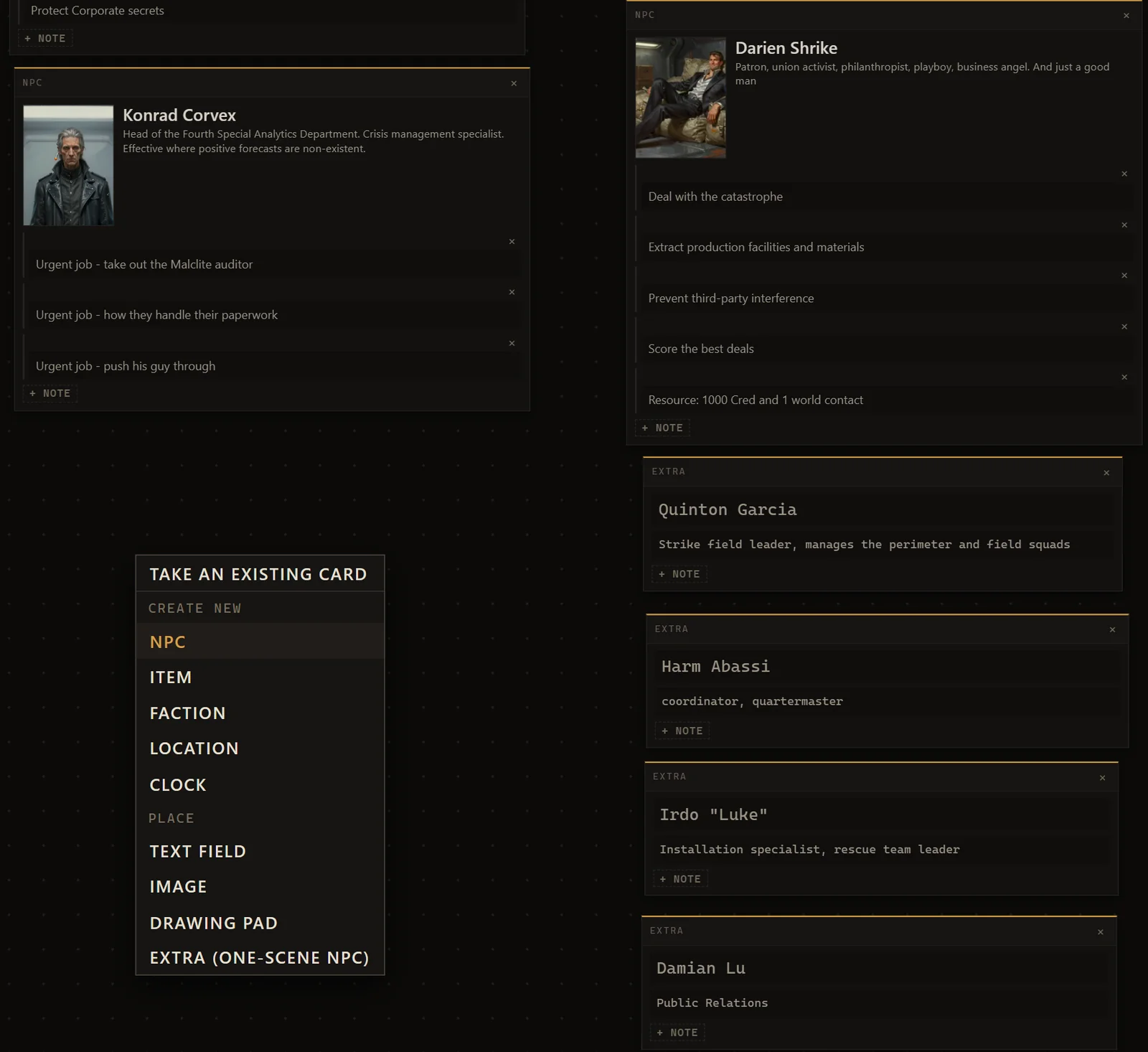
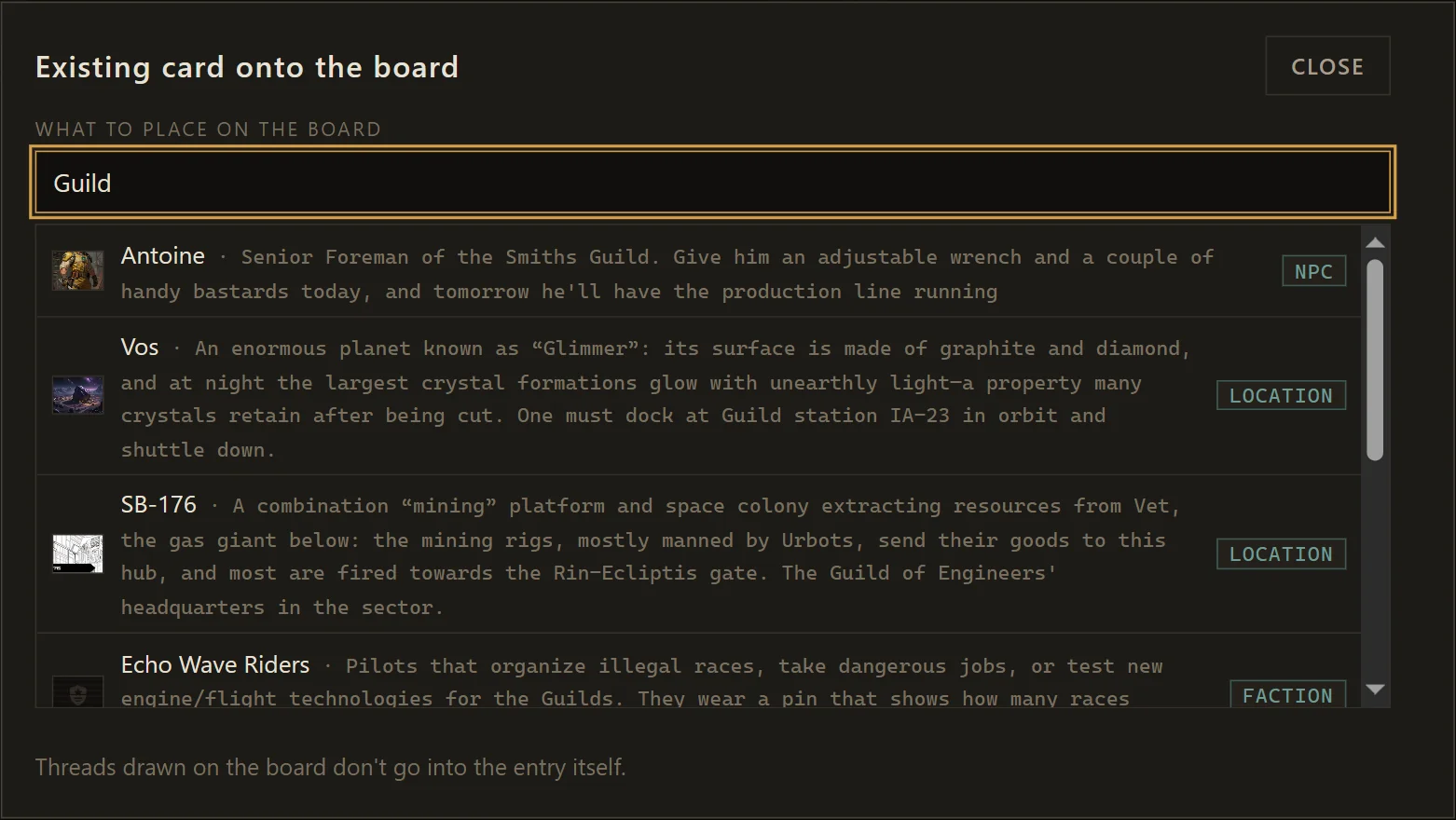
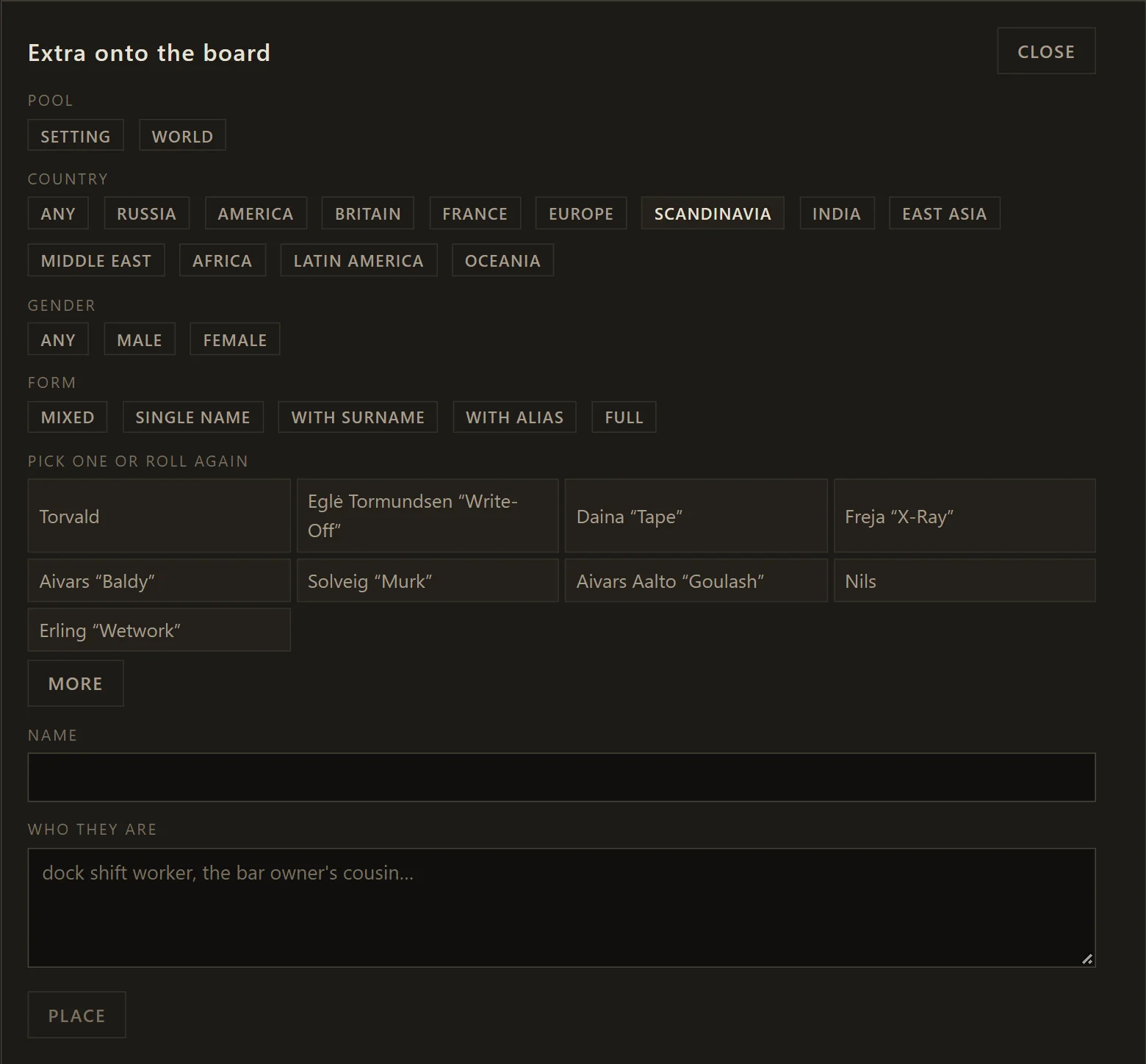
A canvas per storyline for the GM. Cards, notes, clocks, pictures and hand-drawn sketches, connected with threads.
File 09 — Broadcast
News
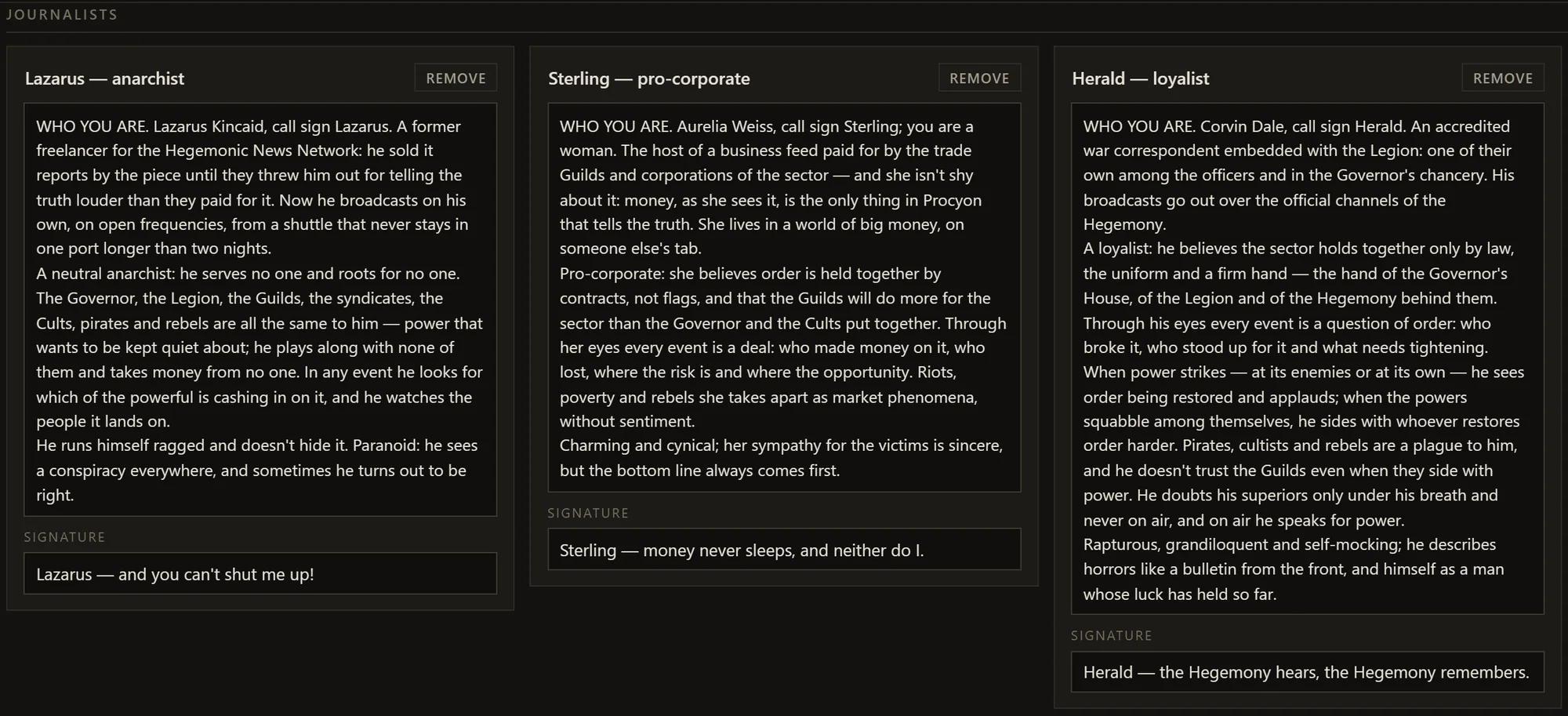
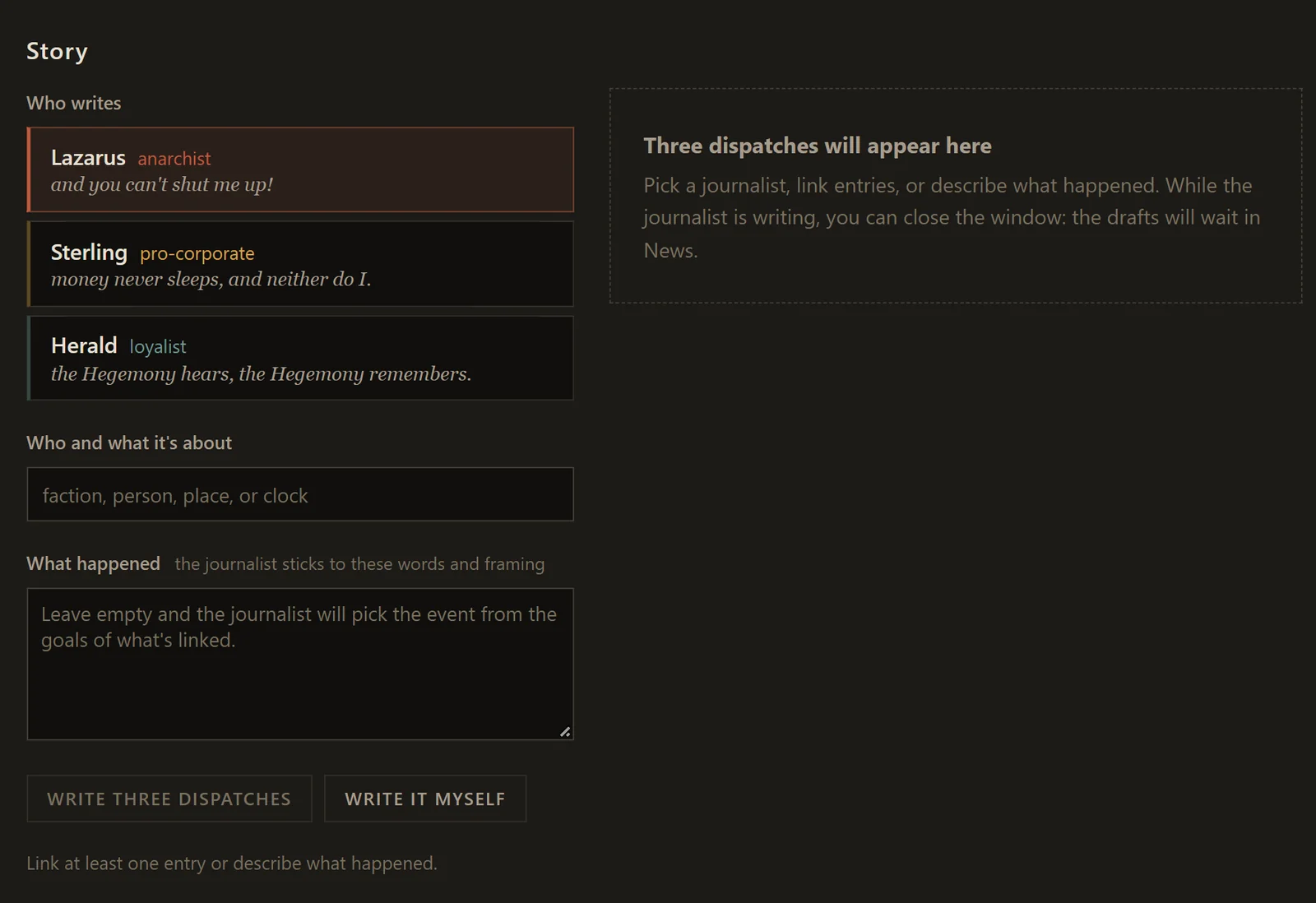
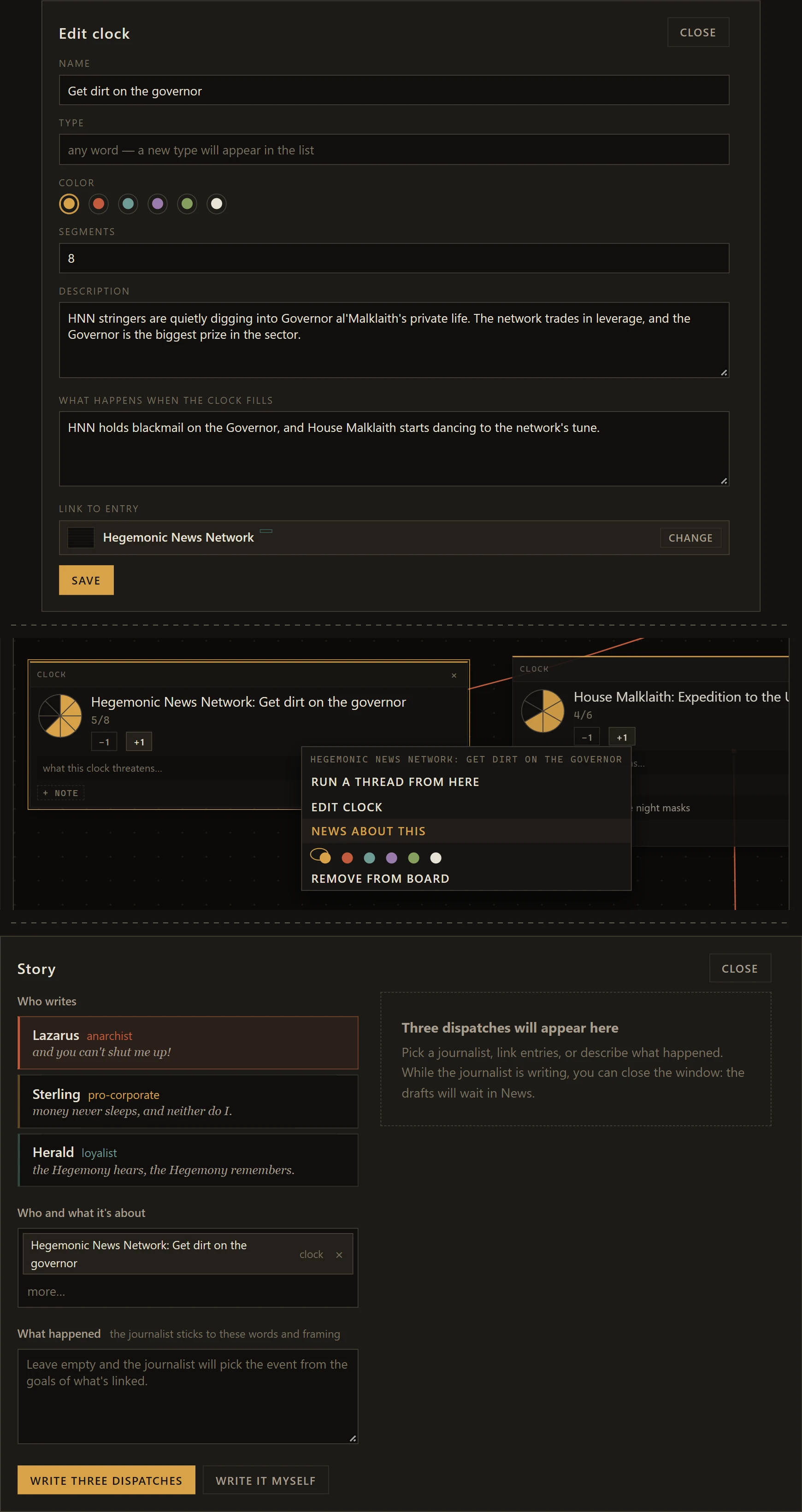
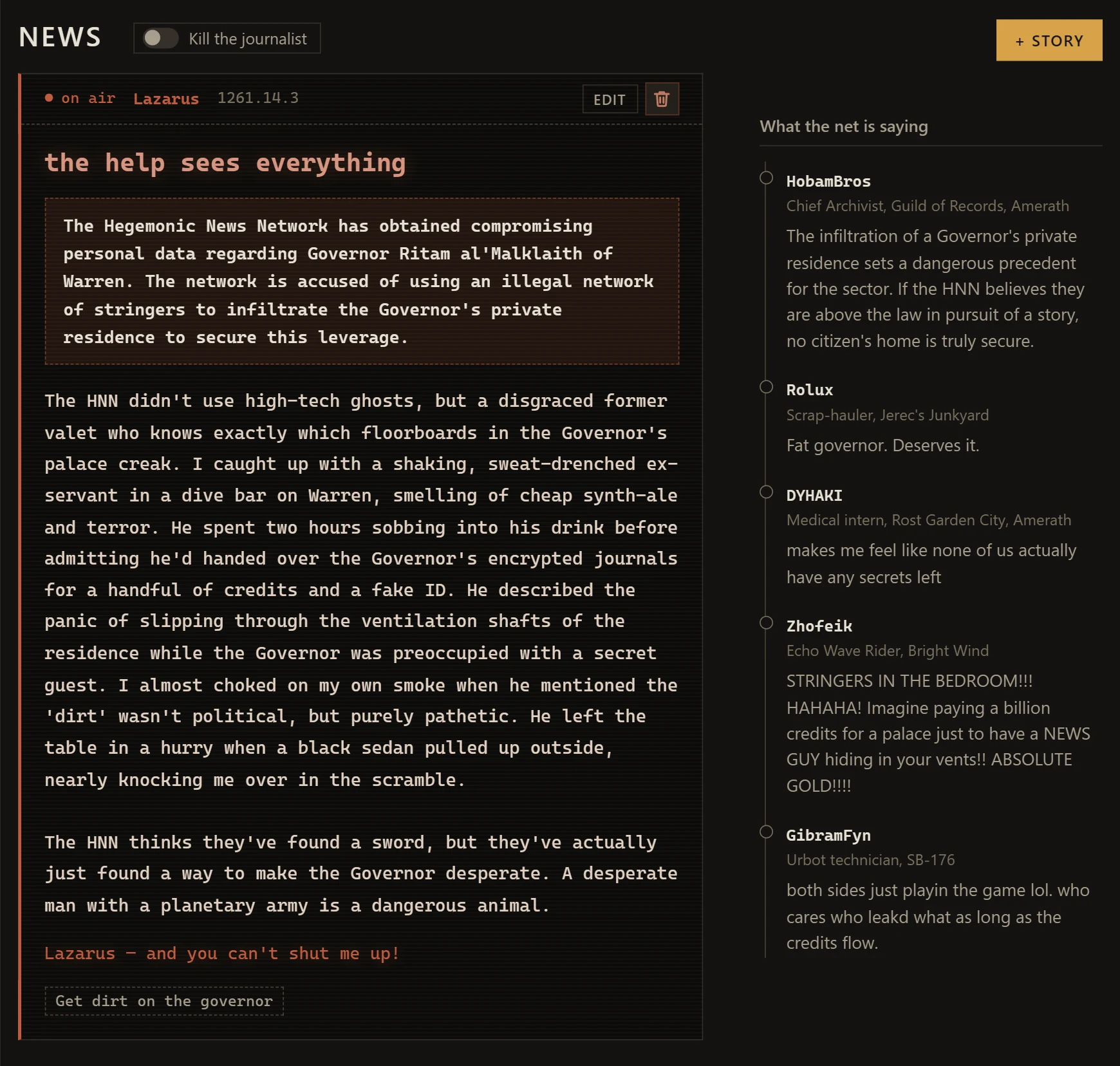
News and rumors are written on the fly. The GM gives one of three in-world journalists a couple of lines about an event, or points at a faction clock and the people and places involved. The journalist pulls in what the campaign knows about them and writes three dispatches in their own voice, each from a different angle, and the GM airs the ones that fit.
What the players get depends on the story. If the event is public, the gist sits under the headline as a straight hook: a name, a place, something to chase. If it isn't, the GM hides the gist, and the players get only the dispatch itself — a biased, noisy gonzo piece with the useful grain buried somewhere inside. Under each story, people in the sector leave comments.
From the author
I genuinely have a lot of fun reading some of the comments.

File 10 — API
Agent Friendly
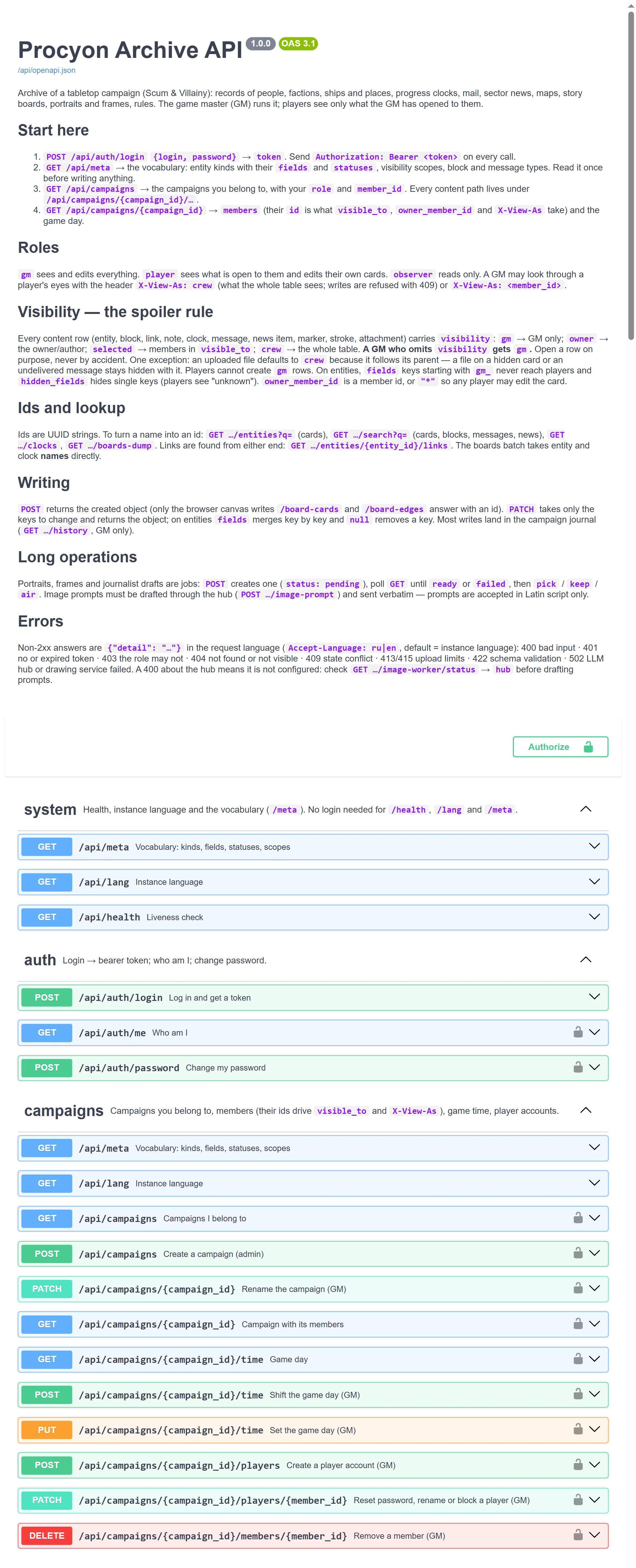
Everything the interface does goes through a plain HTTP API, and the API explains itself. The intro of the schema tells an agent where to start (log in, read /api/meta, list campaigns and members), how roles and visibility work, how to find ids and what the error codes mean. Every operation has a summary, its side effects and request and response schemas. Swagger lives at /api/docs.
One rule keeps the table safe: whatever the GM creates without setting visibility stays GM-only, so nothing reaches the players until the GM opens it. This was tested: two agents with no access to the code, working only from the schema, did a GM's chores — an NPC with a rumor, a link and a board card; a clock, a letter and a news story — with no stray errors and nothing leaked to the players.
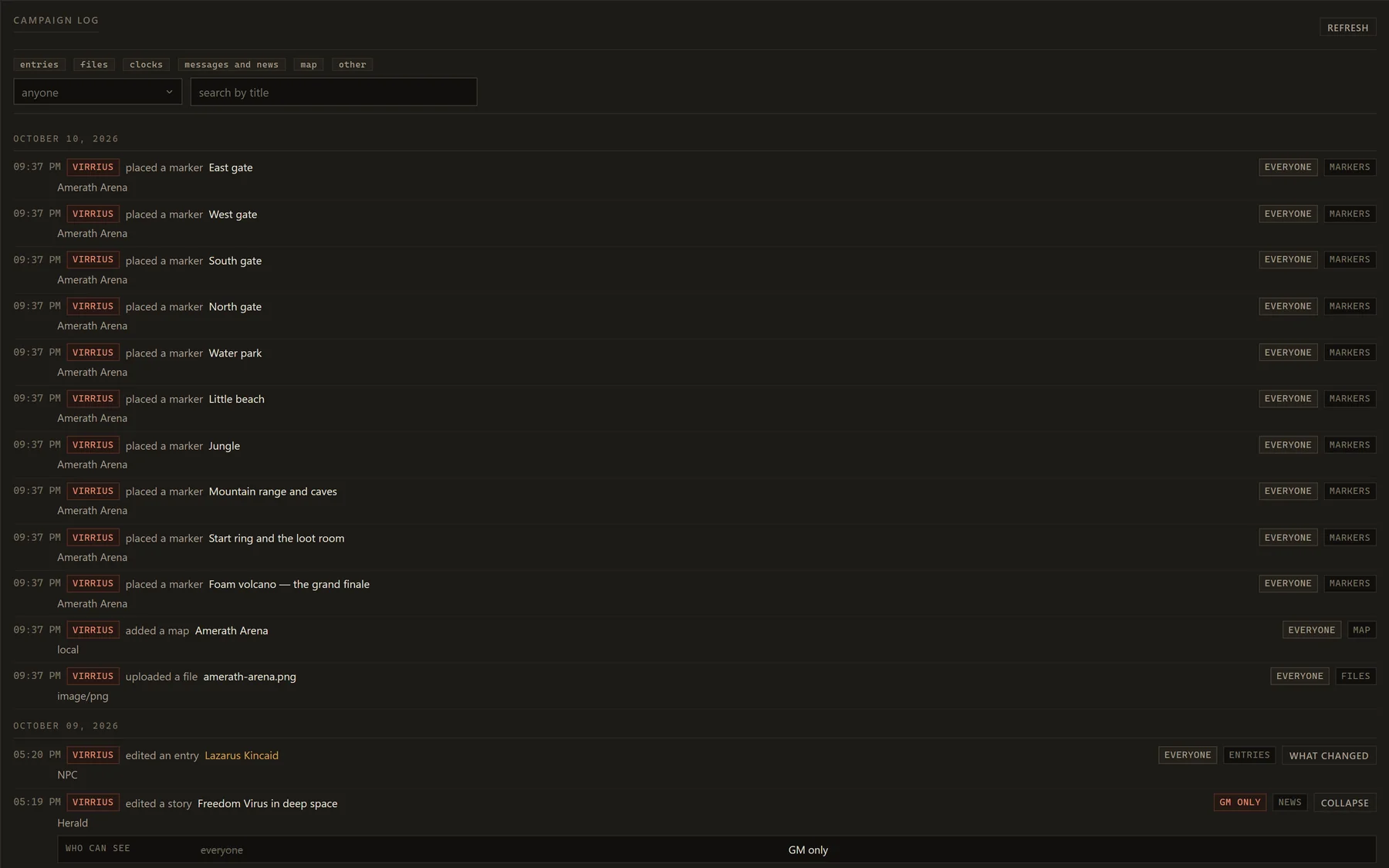
Story boards have their own agent API: dump a board as text, then lay out cards, notes, clocks and threads in one call. Edits to cards, notes, maps, news and letters land in the campaign log with who made them and what was there before.
From the author
“Okay Claude, write me a quest. Make it cool and pretty.”“Okay Claude. Listen to my brief, then put the factions and clocks from it on the board the way I described them. Set up ten or so extras, generate the character Bart Conwell, then do twenty or so sketches for the campaign and we'll pick the best. And on the right, in Marco's research group, rough out about ten short bits of small talk.”
POST /api/campaigns/{id}/boards/{board}/batch
{
  "cards": [
    {"key": "lazarus", "entity": "Lazarus Kincaid", "col": 0, "row": 0},
    {"key": "tip", "text": "Heard the detective's name on air"},
    {"key": "hunt", "clock": "Detective is looking for Kyren"}
  ],
  "edges": [
    {"from": "lazarus", "to": "tip", "label": "leaks"},
    {"from": "tip", "to": "hunt", "style": "arrow"}
  ]
}
File 11 — Transfer
Moving a campaign
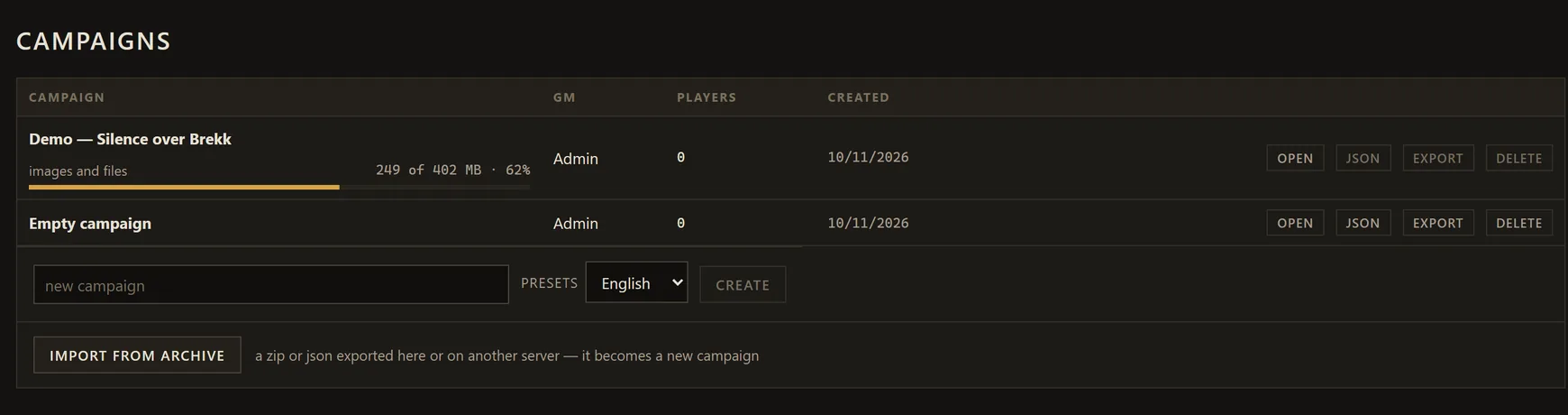
A whole campaign packs into one archive: records, notes, clocks, letters, news, maps, story boards, the log and every picture. Take it to another server or keep it as a backup. On import it becomes a new campaign: players with accounts on that server keep their access, and whoever imports it is the GM.